


Tool focus
showcase- showcase
- Furniture & home-living
- Claid
- Ecommerce generalist
Claid is a strong generalist platform for AI product photos in ecommerce - especially for batch processing, automation and API at catalog scale. showcase, by contrast, is built specifically for furniture and home-living: photorealistic room scenes with correct scale, real materials and multi-product staging. This comparison shows honestly which tool fits which case.
Quick verdict
If you want to automate large catalogs via API and batch, or generate fashion models, Claid is a strong fit. If you sell furniture and interiors and need convincing room scenes with correct perspective, real materials and several products in one shot, showcase serves you better - including product video, color and material variants, and clear legal certainty under the EU AI Act.
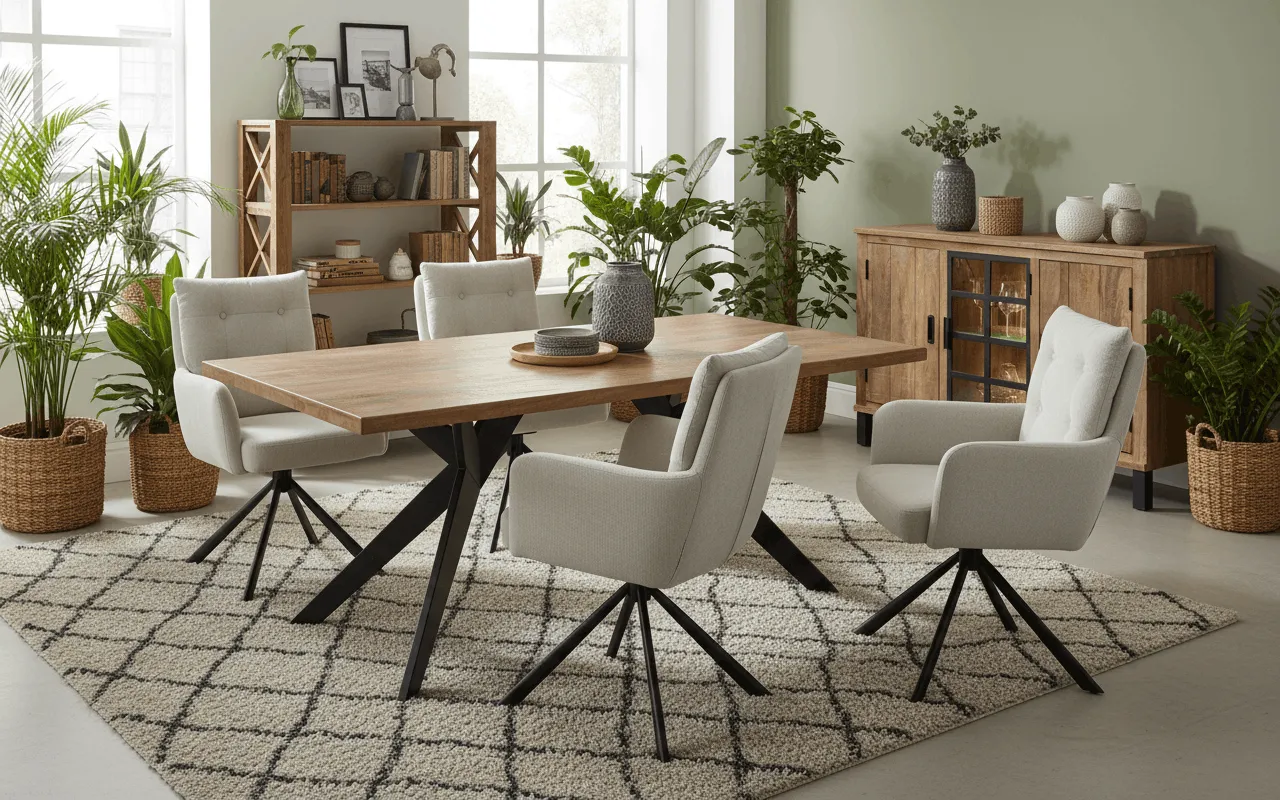
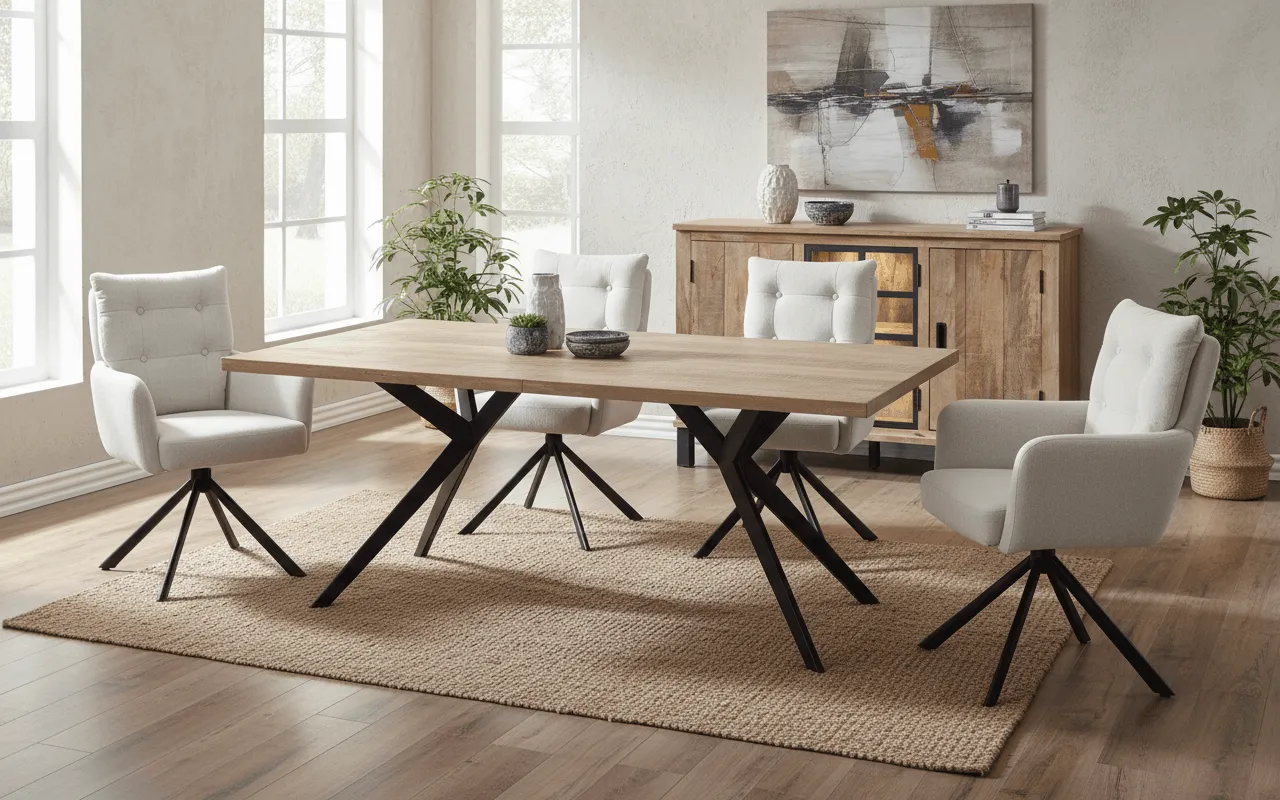
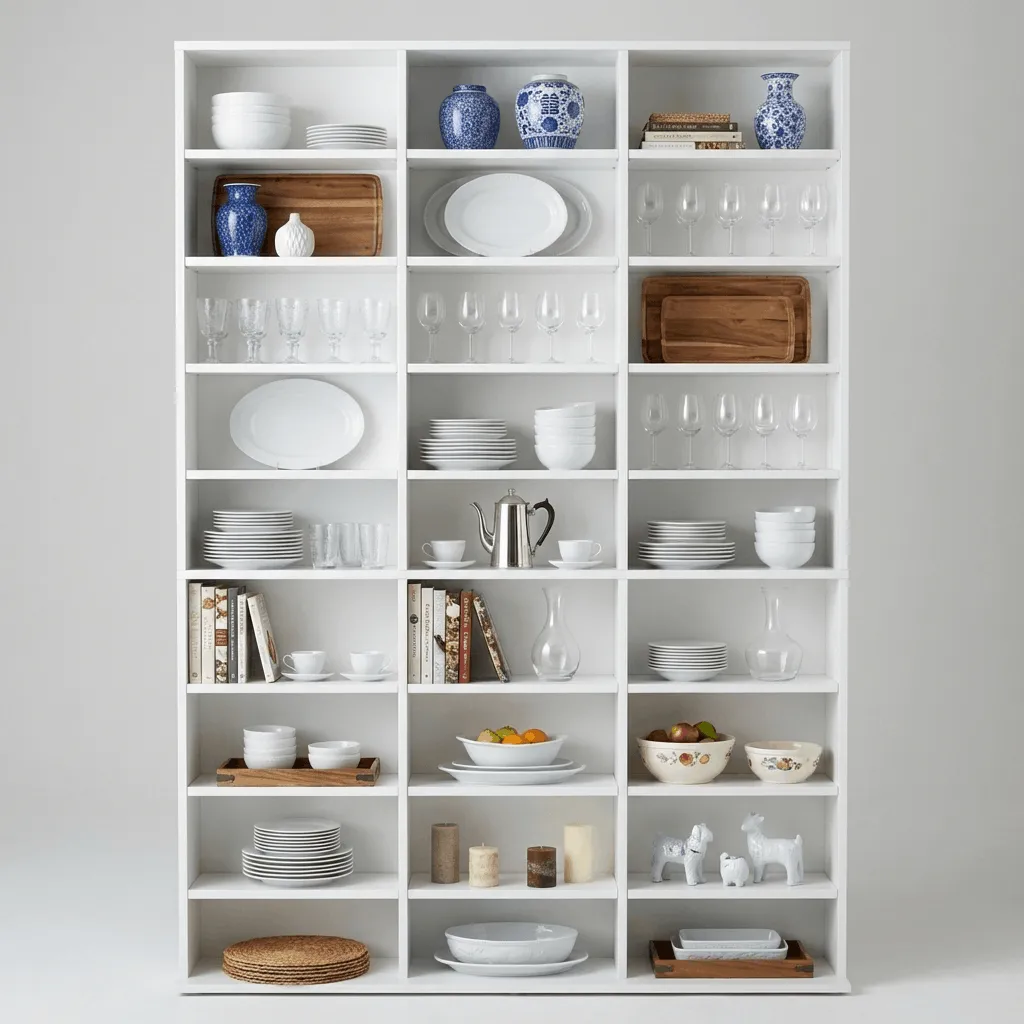
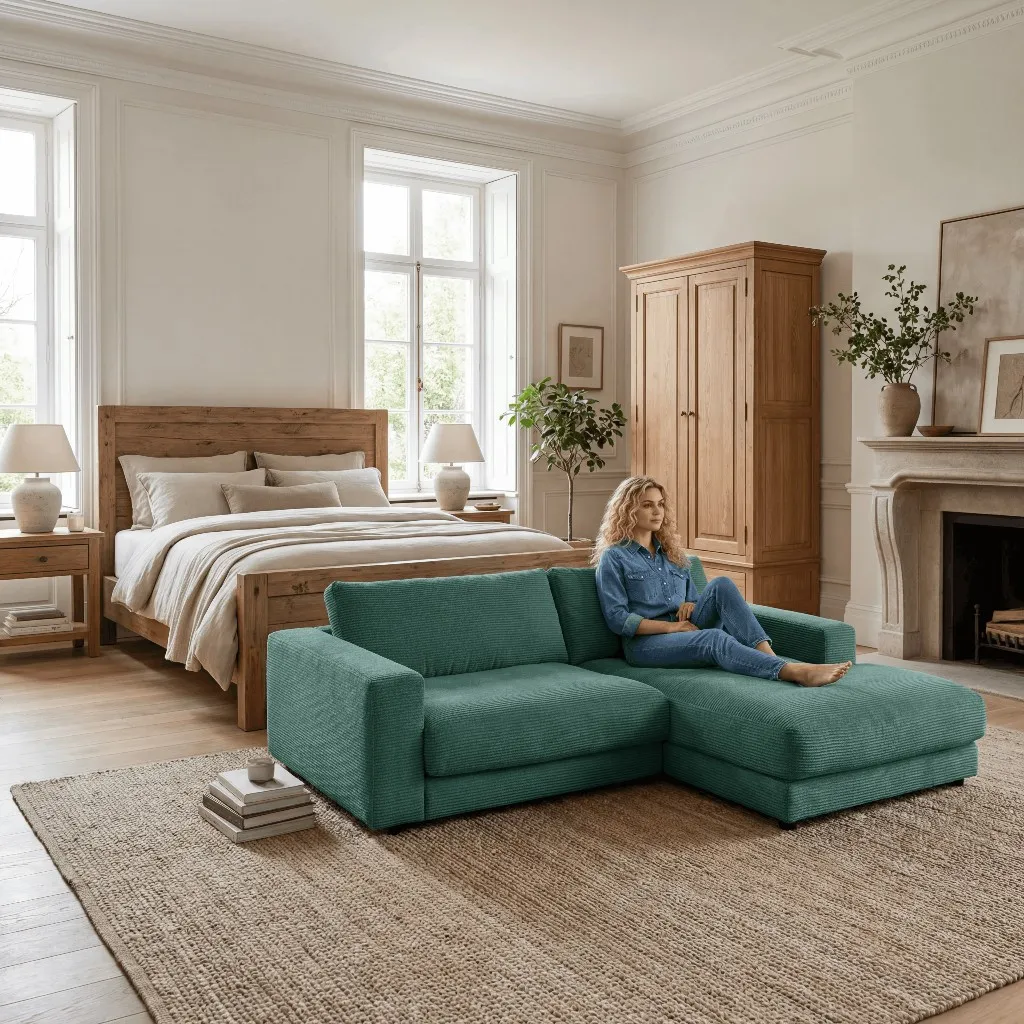
showcase is trained on furniture and interiors. A large sofa, a dining table or a shelving unit is placed into the scene with correct perspective, scale and a realistic sense of materials. Claid produces convincing lifestyle backgrounds across many categories, but it is not specialized in the tricky business of large furniture inside a room.
For furniture sets, cross-selling and complete room looks, showcase combines multiple products in a single scene - with consistent lighting and scale. Generalist tools lean more toward the single product, which makes full room concepts more effort to build.
From a single product photo, showcase generates color and material variants plus short product videos up to 8 seconds in 1080p. Add background removal, 4K upscaling and relighting - without switching between several tools.
showcase provides clear commercial usage rights, licensed models and EU AI Act labeling - made in Germany. It is usable for marketplaces, ads and your shop without fine print. Claid does not prominently document these legal points.
Claid plays to its strengths when it comes to volume and automation: thousands of SKUs across all categories, automatic background removal and generation, upscaling and enhancement, wired directly into your shop, PIM or image pipeline via developer API or Zapier. Claid is also well equipped for fashion workflows with on-model imagery. If you need to process a very broad, cross-category catalog programmatically and at high volume and you do not need furniture-specific room scenes, Claid is a good fit. Getting started through the web app is inexpensive, though the API setup can be more technical depending on your pipeline.
The choice depends on your assortment and workflow. If you sell furniture, lighting or interiors and want a sofa, table or cabinet to sit believably in the room - with correct scale, real materials, multiple products per scene, variants and video - showcase is the natural pick. If instead you need mass automation across many categories, fashion on-model imagery or deep API integration into an existing pipeline, Claid may fit better. Many furniture teams start with showcase for high-converting room imagery and use the free trial credits to check the quality on their own products.

Author
Tim Hoffmann
Chief Product Officer, getshowcase.ai
Tim Hoffmann leads the product strategy for the AI image studio at showcase (getshowcase.ai). He brings years of e-commerce experience in product data, marketplace integrations, and visual content creation. His focus: helping Home & Living retailers turn product cutouts into photorealistic lifestyle images and room scenes in minutes - without expensive shoots, with measurably better conversion. Tim shares practical strategies for product images that perform on marketplaces and in your own shop.
Start with your existing cutouts and test room scenes, variants and workflows for your own home-and-living catalog.