

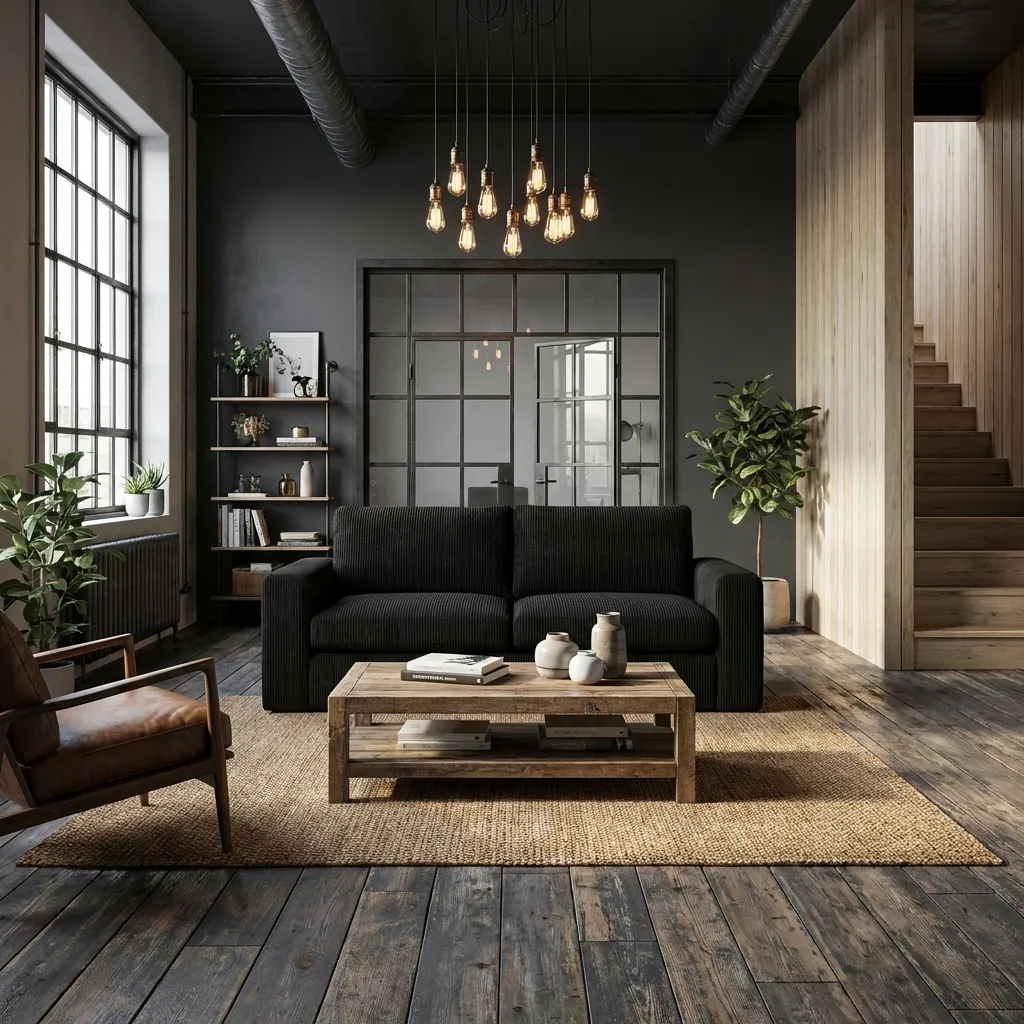
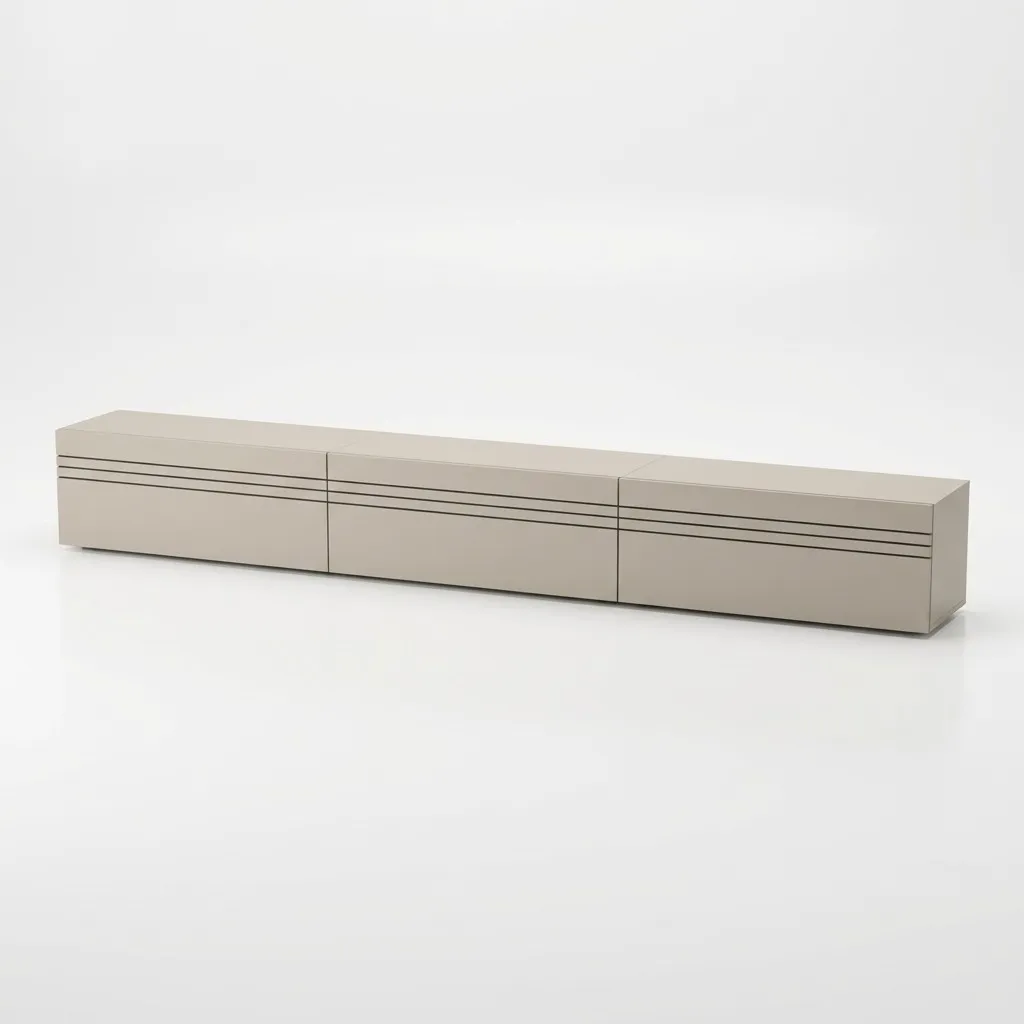
Primary fit
showcase- showcase
- Home & Living product imagery
- Photoroom
- General multi-category ecommerce editor
Photoroom is a strong general-purpose photo editor with best-in-class background removal. showcase is built for furniture, interior, decor, and the operational needs of Home & Living teams. This comparison explains where each tool fits and why showcase is the clearer choice for furniture-driven catalogs.
Quick summary
If you sell furniture, lighting, rugs, decor, or other Home & Living products, showcase is the right tool - it is built for controlled room scenes, true multi-product staging in the UI, CAD-to-image workflows, AI product video generation, brand-trained output, and clearer content licensing. Photoroom makes sense when you need a versatile, multi-category editor with strong background removal and a fast mobile workflow.
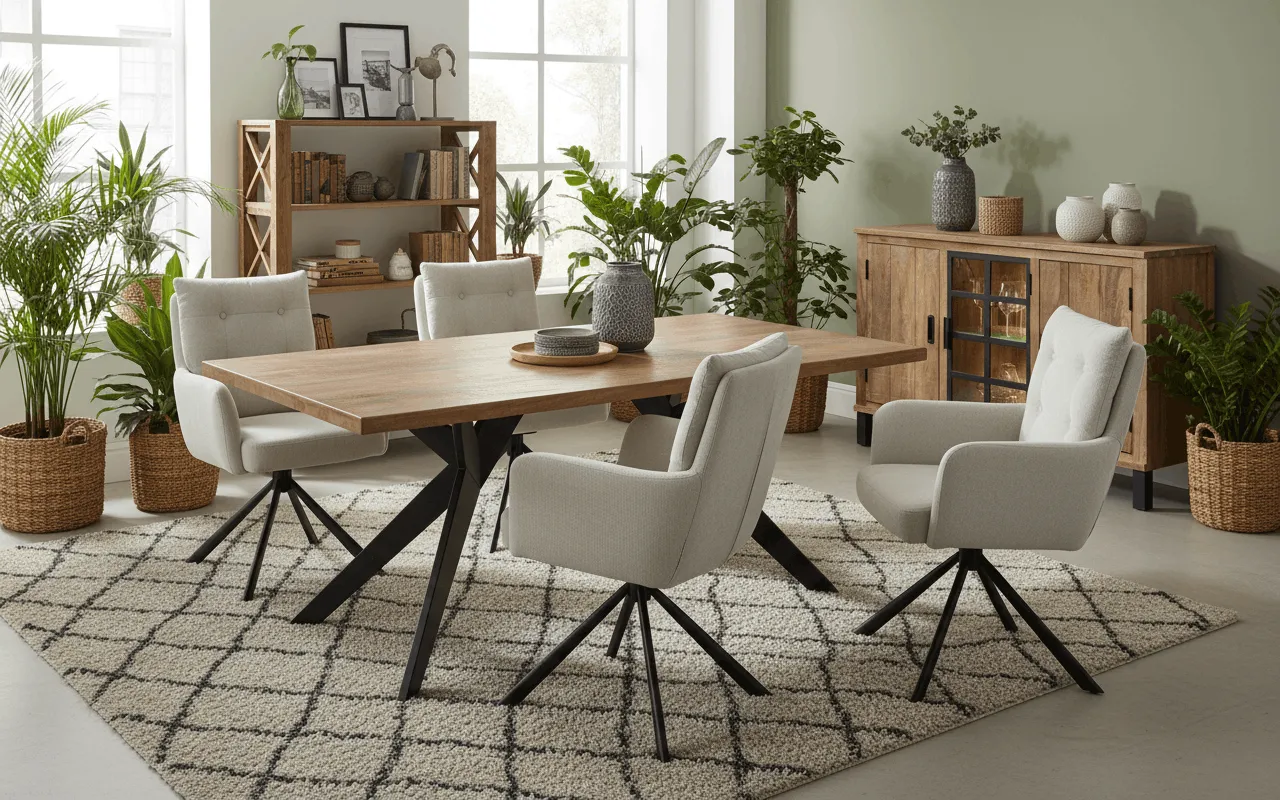
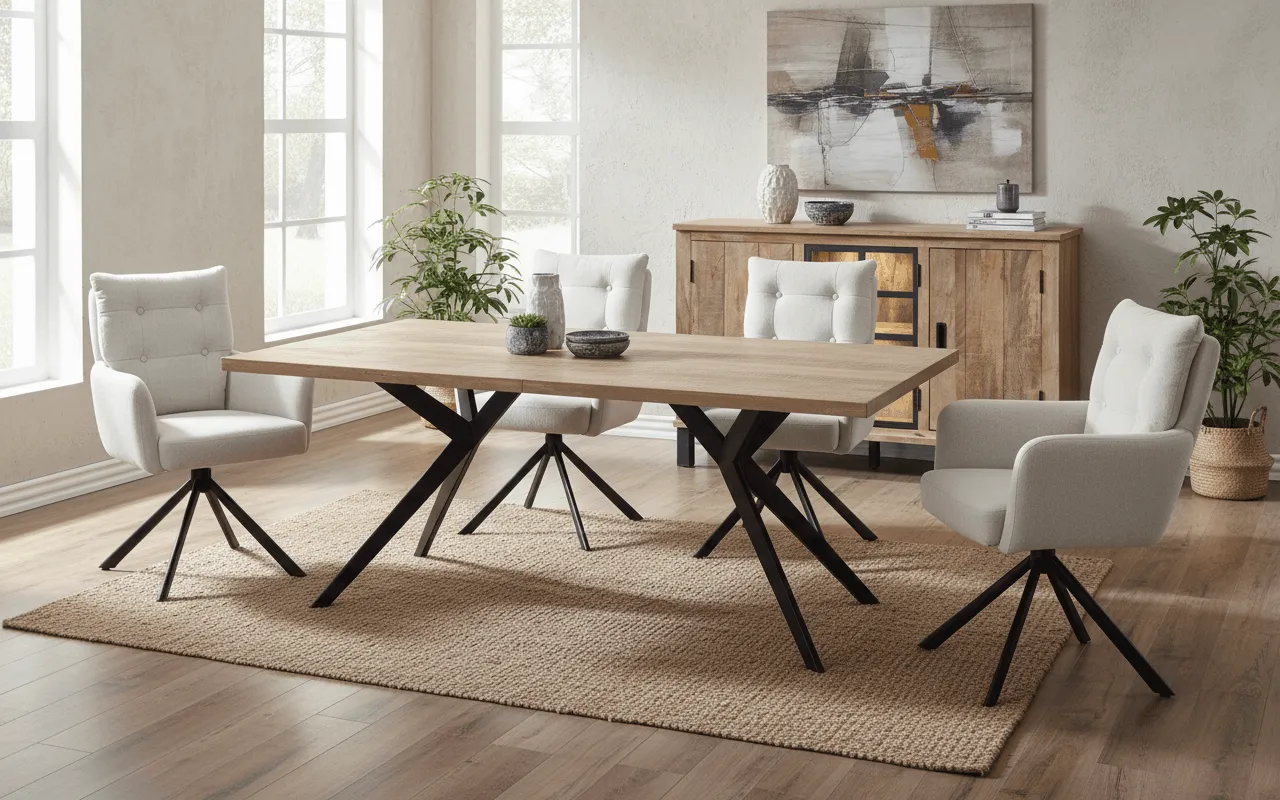
Furniture-grade scene realism, true multi-product staging, CAD-to-image, AI product videos, and brand-trained output - showcase is built for the way Home & Living teams ship images.
Photoroom is the right pick for fast, multi-category ecommerce edits, mobile-first cutouts, and template-driven social content where furniture-grade scene depth is not the goal.
If product images influence sell-through, marketplace ranking, or brand perception, choose showcase. Photoroom is the tactical pick for general-purpose editing and quick, on-the-go visuals.
Photoroom covers general-purpose ecommerce editing well. showcase wins when the images need to behave like a reliable Home & Living production system rather than a multi-category editor with bolt-on workflows.
The difference is not raw editing power. It is whether the tool is shaped around the commercial constraints of furniture and interior imagery.
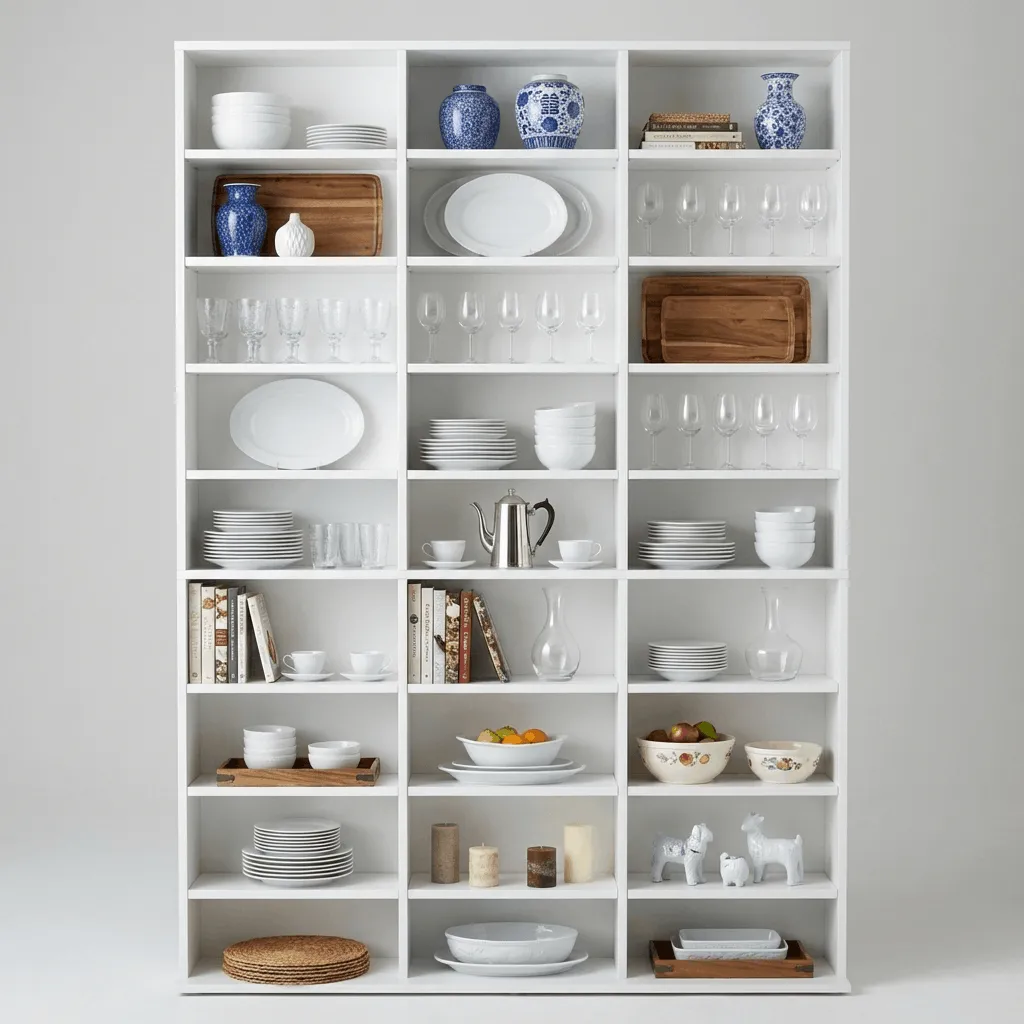
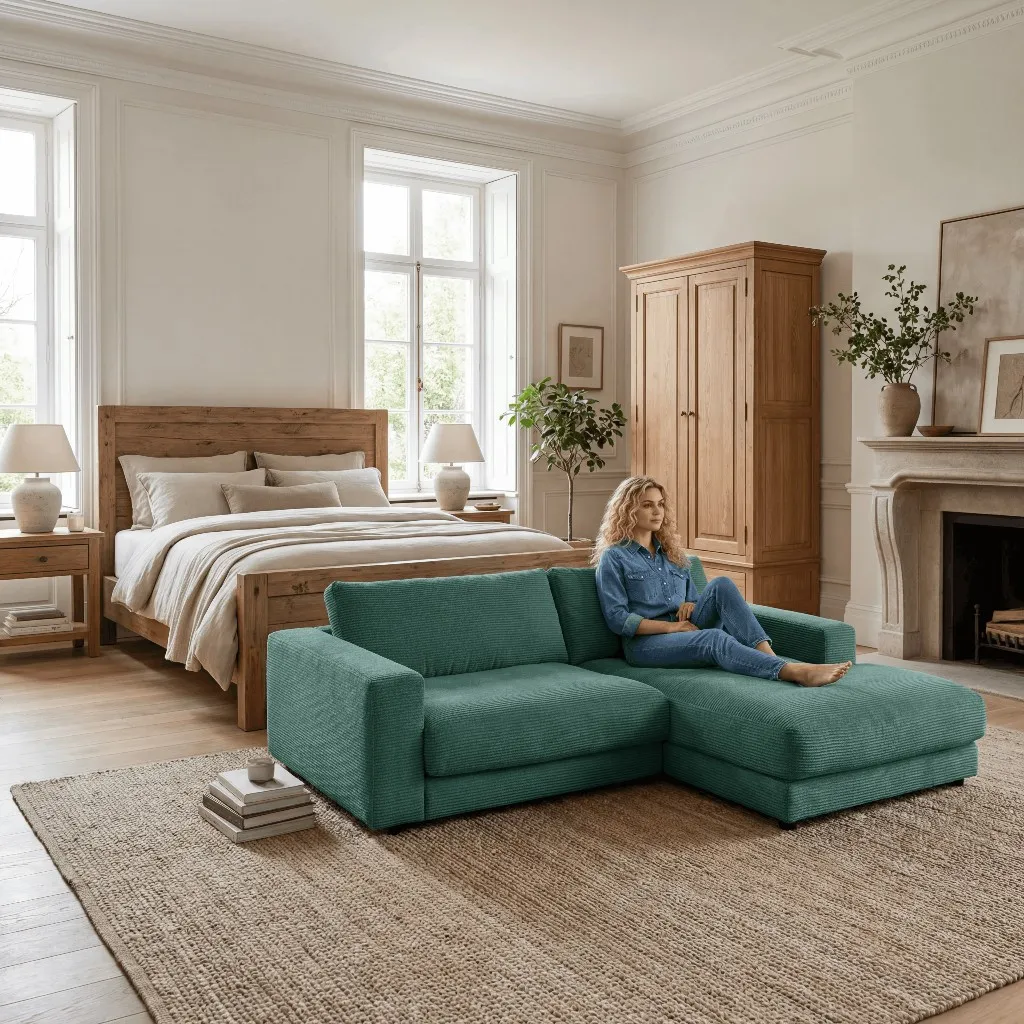
Furniture buyers judge scale, fabric, room fit, lighting, and proportion. showcase is oriented around those decisions, so it is stronger for sofas, cabinets, rugs, tables, lamps, and decor than a general multi-category editor.
Home & Living teams sell combinations: sofa plus rug, dining table plus chairs, sideboard plus decor. showcase handles those room concepts natively in the interface - not as an API-only Photo Composition feature.
If you work with sketches, product drafts, or technical drawings before final photography exists, showcase can turn that early input into usable visual concepts. Photoroom does not advertise CAD or technical-drawing input.
Photoroom's brand kit stores logos, fonts, and colours. showcase trains the AI on your brand aesthetic and applies reusable style rules across scenes - so outputs look like your brand, not a templated lookalike.
Photoroom is a sensible pick for general-purpose, multi-category ecommerce editing.
For packaged goods, fashion, beauty, accessories, and social-first content, Photoroom delivers fast cutouts, industry-leading background removal, a well-rounded brand kit, and a strong mobile experience. The tradeoff: that breadth comes at the cost of furniture-grade product accuracy, native multi-product room scenes, CAD input, and brand-trained output - the things Home & Living teams need at scale.
For commercial product images, ownership language alone is not the full story. You also need to understand model licensing, training-data use, and AI transparency duties.
showcase is explicit about commercial usage rights, licensed model positioning, no recognizable third-party brands or persons, and EU AI Act transparency preparation for photorealistic AI imagery. We do not claim a training licence over your inputs.
Read legal safety detailsPhotoroom states that customers own their content. Its terms also grant Photoroom a perpetual licence to use user content to improve its products unless the customer opts out. That may be acceptable for some teams, but procurement and legal stakeholders should review the opt-out and training-use terms carefully.
If Home & Living imagery influences conversion, marketplace performance, or brand perception, choose showcase. You get furniture-grade scene realism, true multi-product staging, CAD-to-image, scene-driven AI product video, brand-trained output, and clearer content licensing - in one workflow. Choose Photoroom when you need a versatile, multi-category editor with first-class background removal and a strong mobile experience, and can accept general-purpose output and a perpetual training licence over user content unless opted out.

Author
Tim Hoffmann
Chief Product Officer, getshowcase.ai
Tim Hoffmann leads the product strategy for the AI image studio at showcase (getshowcase.ai). He brings years of e-commerce experience in product data, marketplace integrations, and visual content creation. His focus: helping Home & Living retailers turn product cutouts into photorealistic lifestyle images and room scenes in minutes - without expensive shoots, with measurably better conversion. Tim shares practical strategies for product images that perform on marketplaces and in your own shop.
Start with your existing cutouts and test room scenes, variants, and workflows for your own Home & Living catalog.