AI product images
- showcase
- AI packshots, lifestyle images and variants from product photos
showcase and MAZING offer AI product visualization for furniture and Home & Living. With showcase, you create and edit product images and videos. MAZING combines AI content with additional 3D, AR and configurator applications. Compare published features and plans for your catalog here.
A comparison by showcase, one of the providers compared. Based on provider information and the sources below dated 8 September 2026; not a standardized performance test. View sources
Try a room scene, a material variation and a product clip with showcase using your own catalog. See which results and editing steps fit your team. If you also need WebAR or interactive 3D configurators, MAZING offers those applications.
MAZING prices and plan features are based on pricing information reviewed during our product research on 8 September 2026. Tax treatment and minimum term are not stated in that information. Credit amounts from different providers cannot be compared as image counts without their consumption rates. showcase pricing
Create AI packshots, lifestyle images and multi-product scenes from your product photos. Add dimension sketches using your product measurements and logo. Check shape, materials and details against your original.
With Highlight Remix, apply the layout, colors and icon style of a design template to more products. Adjust the suggested copy and generate highlight images with your selling points. Saved templates give your catalog a consistent look.
All Access costs €50/month plus VAT with 200 credits. Our pricing page lists the credits used per generation. Enterprise covers automation and API access.
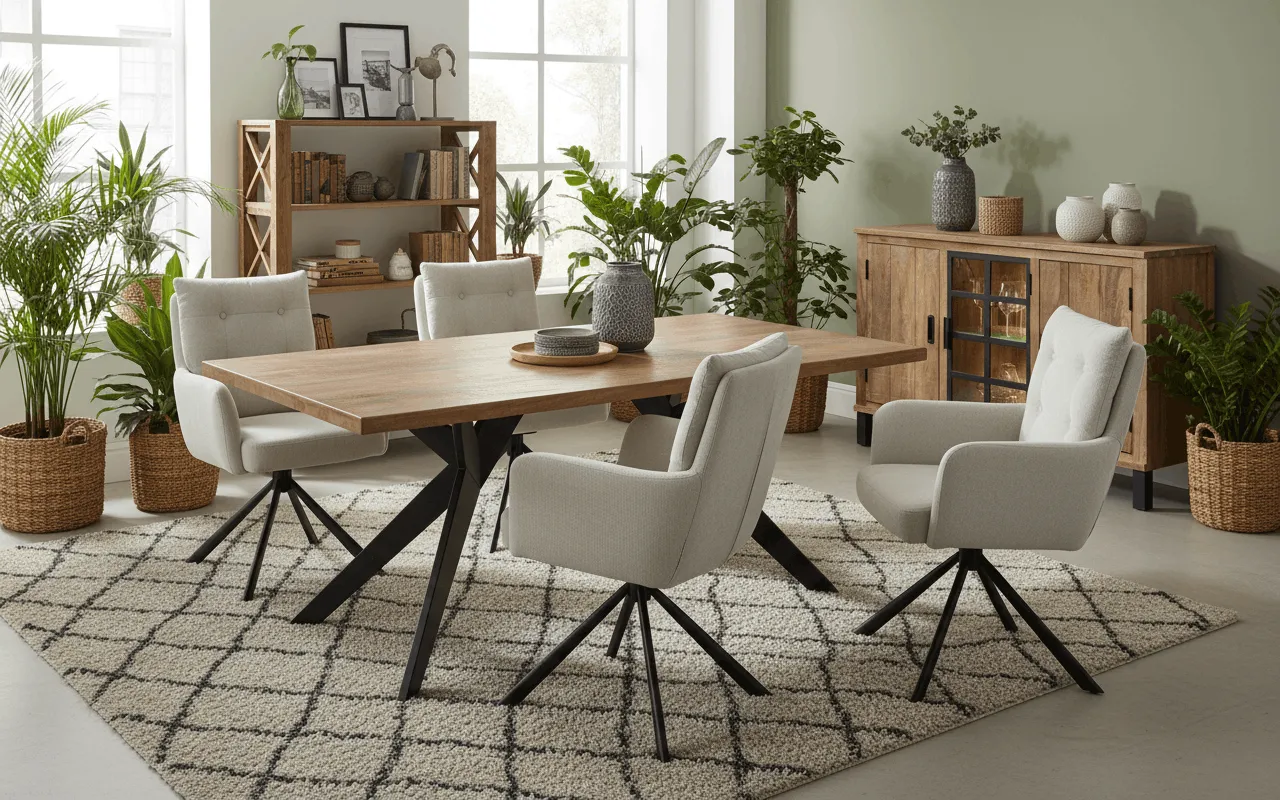
MAZING offers AI content and additional 3D, AR and configurator applications. The reviewed pricing information lists a 3D/AR viewer in Starter, a configurator in Growth and custom integrations in Scale. Compare the plan you need with your existing processes. [1]
Choose a furniture item with a challenging material, a product with fine details and a set. Compare product fidelity, required corrections, time to approval and the cost of usable results. Similar feature lists do not establish suitability for your catalog.
MAZING addresses output rights in section 8.3 of its terms and advertises GDPR and EU AI Act conformity in its pricing. For both providers, the applicable terms and rights to your input matter. showcase offers visible AI notices and metadata tools. [6] [1]
Try AI labeling with showcaseA comparison by showcase, one of the providers compared. Based on provider information and the sources below dated 8 September 2026; not a standardized performance test.
MAZING prices and plan features are based on pricing information reviewed during our product research on 8 September 2026. Tax treatment and minimum term are not stated in that information. Credit amounts from different providers cannot be compared as image counts without their consumption rates.
The public AR pricing page lists different Starter allowances and also lists videos in Starter. This comparison describes the plans reviewed during our product research. An omission from those plan details is not treated as an exclusion. The product FAQ describes credits for downloads, while the terms describe generation credits; billing depends on the selected offer.

Author
Tim Hoffmann
Chief Product Officer, getshowcase.ai
Tim Hoffmann leads the product strategy for the AI image studio at showcase (getshowcase.ai). He brings years of e-commerce experience in product data, marketplace integrations, and visual content creation. His focus: helping Home & Living retailers turn product cutouts into photorealistic lifestyle images and room scenes in minutes - without expensive shoots, with measurably better conversion. Tim shares practical strategies for product images that perform on marketplaces and in your own shop.
Start with 40 free credits and check the results against your own catalog.