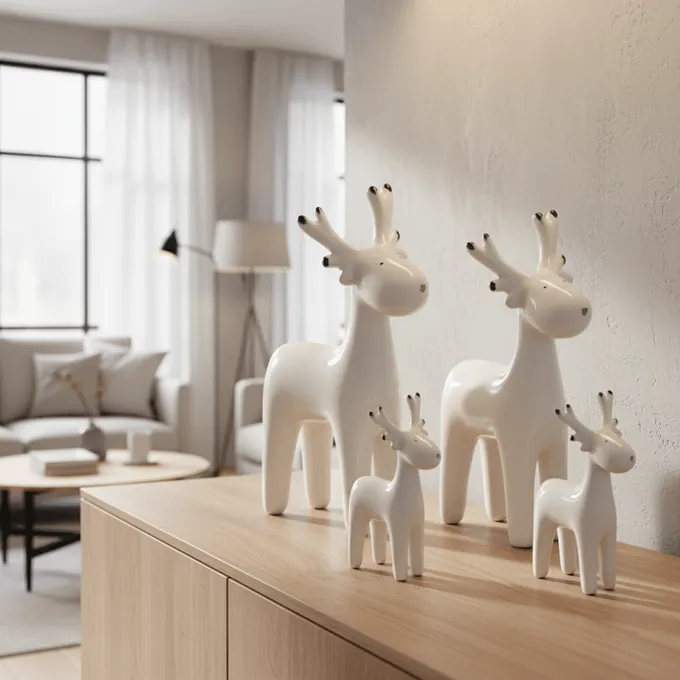
Add measurements to product images
Annotate images the easy way: upload a product image, label height, width and depth and export the result as a PNG. The product outline is detected automatically - no Photoshop, no sign-up and no upload, because your image stays in the browser.
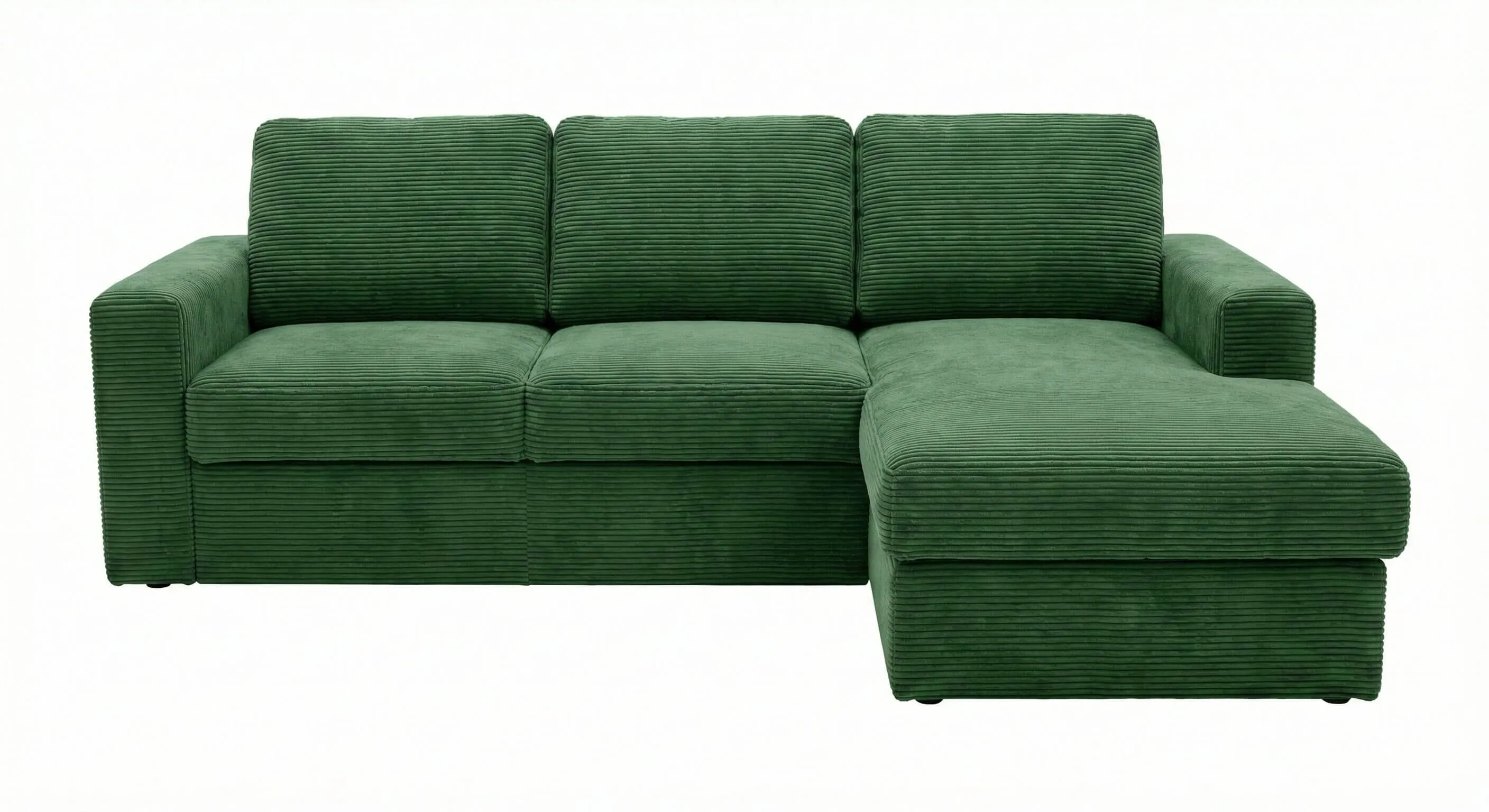
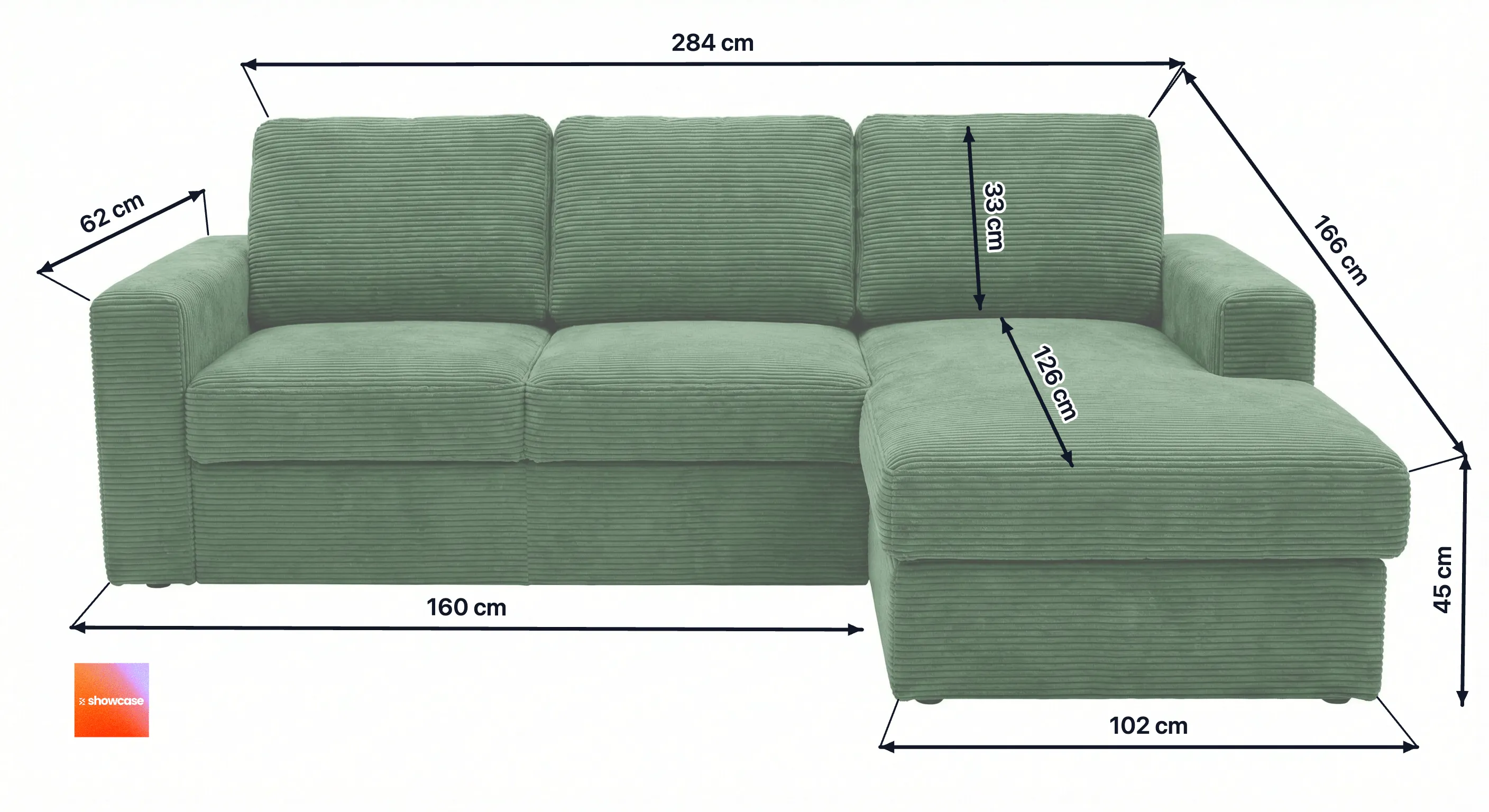
Example: from photo to dimensioned product image
A simple cut-out becomes a dimensioned product image with height, width and depth in just a few clicks.
Why measurements belong on the product image
Customers can't touch or measure a piece of furniture online. Dimensions shown directly on the image - instead of hidden in the description - answer the most important question right away: will this fit my space? A dimensioned product image reduces queries, lowers returns and increases conversion. On marketplaces like Amazon, Otto or your own Shopify store, a clear measurement graphic belongs in every good image set. Our product image guides show how to build one; see finished examples in the gallery.
Add measurements - step by step
- 1
Upload a product image
Drag a cut-out or product photo into the tool, or click to select one. The image stays in your browser.
- 2
Draw the dimensions
Add lines manually or let the tool detect corners automatically. End points snap to the product edges and corners.
- 3
Label and style
Enter values and units, adjust colour, thickness, arrows and font size, and optionally place your logo.
- 4
Export as PNG
Download the finished dimensioned image as a PNG and use it directly on your product detail pages or marketplace listings.
Need more? Create dimensional drawings automatically
The free tool is ideal for annotating a single image by hand. If you produce product images for your shop or marketplaces regularly, showcase creates your dimensional drawings automatically - in the same workflow as lifestyle images, color variants, and marketplace export.
Dimension tool (free)
- Draw measurements by hand, 2D and 3D mode
- Overlay your own logo
- PNG download, image stays in your browser
- Perfect for quick one-off images
Dimensional drawings in showcase
- Product outline detected automatically
- Dimension lines from your product data, editable anytime
- Logo applied automatically from your logo library
- Saved drawings re-editable for free
40 free credits. No credit card required.
Ideal for furniture and home accessories
In the home & living space, measurements are decisive. Draw height, width and depth - and for seating, seat height and seat depth - cleanly onto your product photos:
- Sofas & couches
- Armchairs
- Shelves
- Dining tables
- Wardrobes
- Rugs
Frequently asked questions
- How do I add measurements to a product image?
- Upload your product image, draw a line between two points, enter the value and unit (for example 180 cm) and export the result as a PNG. The tool detects the product outline automatically so lines snap cleanly to edges and corners.
- Can I add dimensions without Photoshop?
- Yes. The dimension tool runs entirely in your browser - you need neither Photoshop nor any other software. Upload an image, draw the measurements, download a PNG.
- Which tool is best for annotating product images?
- For e-commerce product images you want a tool that cleanly labels known measurements rather than calculating them from a reference object. That is exactly what this free online editor does: label height, width and depth directly on the image and export as PNG.
- Which measurements should I show for furniture?
- For furniture, show height, width and depth. For seating, seat height, seat width and seat depth are also decisive. A dimensioned image answers these questions faster than any description text and reduces queries and returns.
- Are my images uploaded anywhere?
- No. The tool runs entirely in your browser. Your product image is never sent to or stored on a server.
- Which file formats are supported?
- You can upload PNG, JPG and WebP images. The export is a PNG at the original resolution of your image.
- What is the dimension tool good for?
- It is ideal for online retailers in the home & living space who want to show measurements like height, width and depth directly on the product image - for example sofas, shelves, dining tables, wardrobes, lamps or rugs.
- Is it free to use?
- Yes, the tool is free and requires no sign-up.
- Can I also create dimensional drawings automatically?
- Yes. In showcase, the dimensional drawing is its own image type: the product outline is detected automatically, dimension lines are generated from your stored product measurements and stay editable at any time, and your logo comes from the logo library. Saved drawings can be re-edited for free. The free tool on this page is meant for quick one-off images.
Note: our free tools are provided as is. ShopVibes GmbH accepts no liability for the results or for how they are used - please check the current requirements of your shop or marketplace before you upload.
New here? This is showcase.
showcase is the AI platform for Home & Living product images. Upload a simple cutout and get photorealistic lifestyle images, color variants, and product videos in seconds. Dimensional drawings are built in: the product outline is detected automatically, dimension lines stay editable, and your logo comes from the logo library - no manual drawing required.
Try it for free now40 free credits. No credit card required.
Need brand-new product images, not just measurements? showcase turns cut-outs into photorealistic lifestyle scenes.
Try showcase for free40 free credits. No credit card required.
Trusted by leading home & living teams