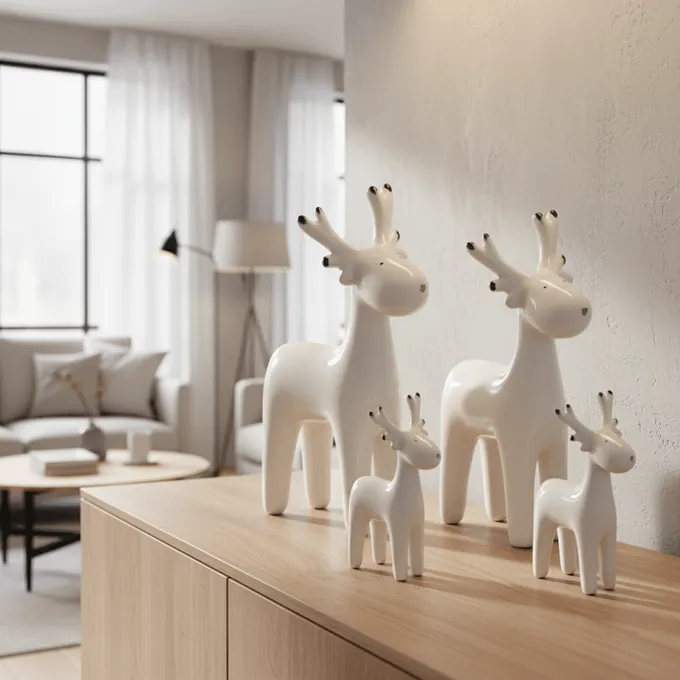
3D model / CAD required
showcase- AI (showcase)
- No, one photo is enough
- 3D / CGI rendering
- Yes, full 3D modeling
- Photo studio
- No, but a physical product
Classic product visualization means expensive 3D/CGI rendering or a slow photo shoot. showcase turns a single product photo into photorealistic images, room scenes, and variants - in minutes, with no 3D model and at a fraction of the cost.
showcase (getshowcase.ai) - AI product photography for home & living
Short answer
You do not need a 3D model or a photo studio to visualize products. Upload an existing product photo and showcase generates photorealistic product images, room scenes, and variants with AI - in minutes instead of weeks and at a fraction of the cost of a CGI render or studio shoot. For furniture and home & living in particular, it is faster, cheaper, and simpler than classic rendering.
No CAD, no 3D modeling, no render pipeline. An existing product photo is all you need - the AI handles the visualization.
Where a CGI render takes days to weeks and a studio shoot takes logistics and waiting time, showcase delivers photorealistic product images in minutes.
Instead of around 300 euros per product for a studio or CGI agency, you create image sets and variants at a fraction - with no sample shipping and no set build.
From a single cutout to photorealistic room scenes, variants, and product videos - with no 3D rendering or shoot.
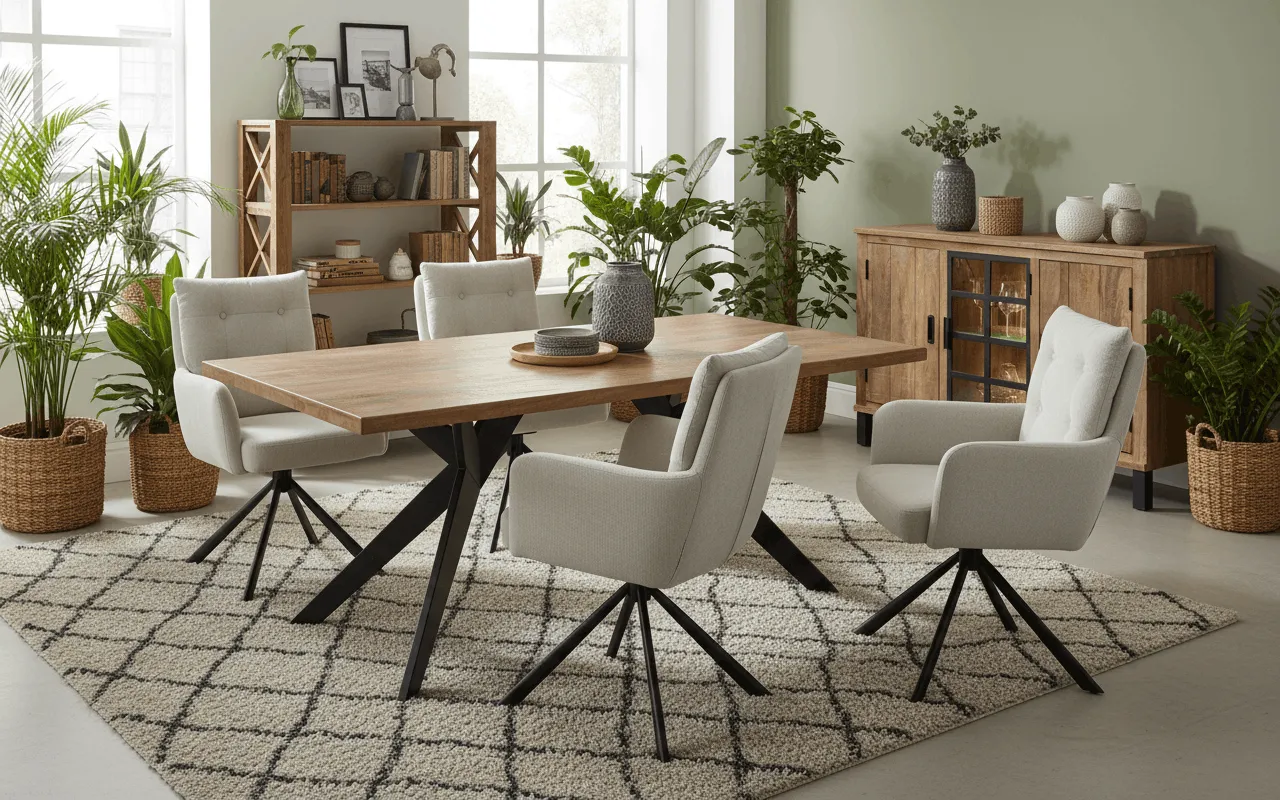
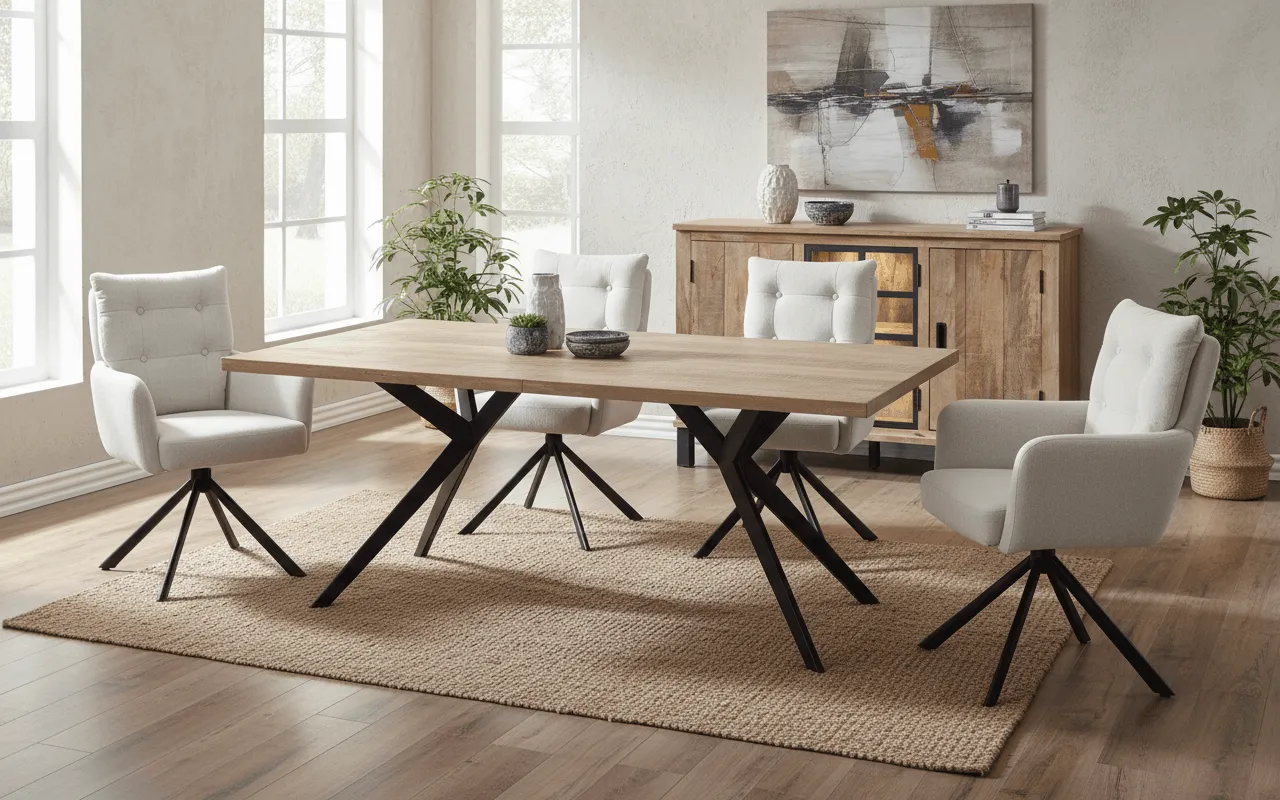
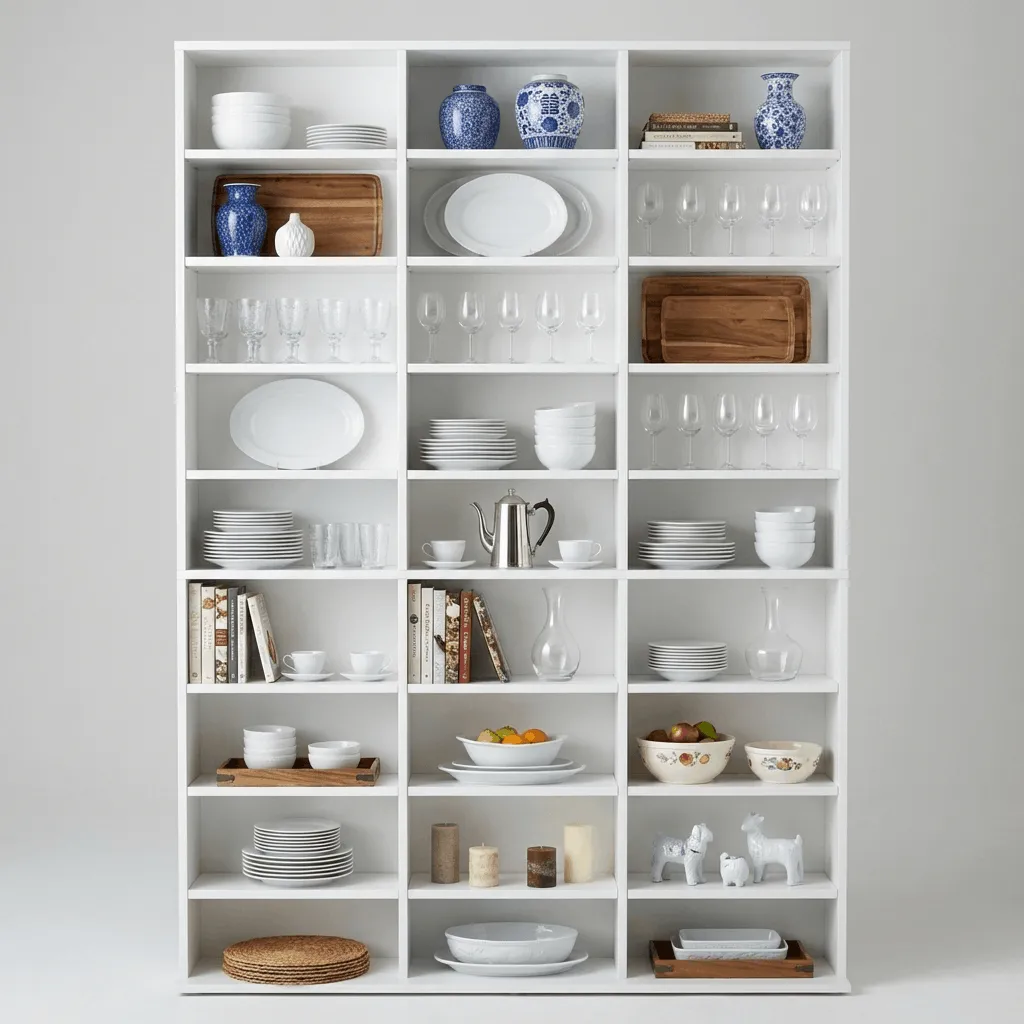
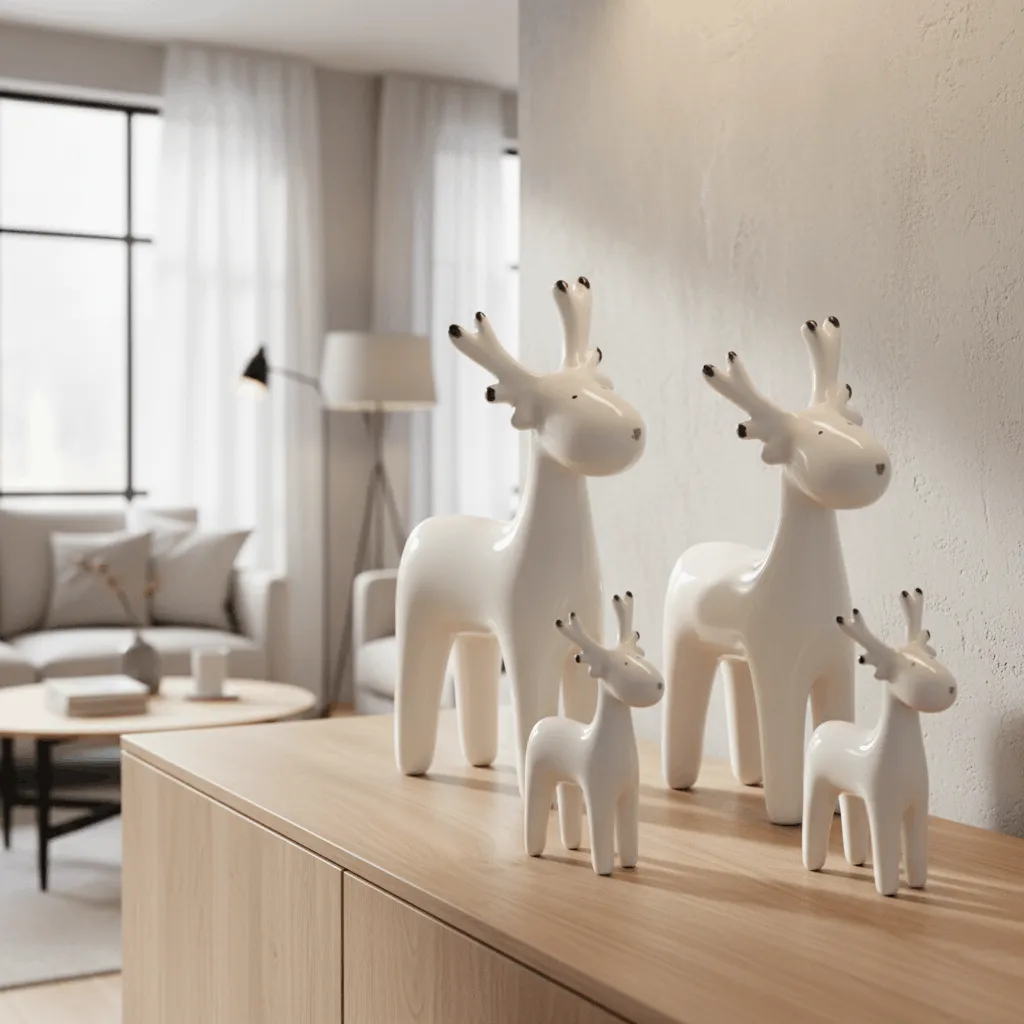

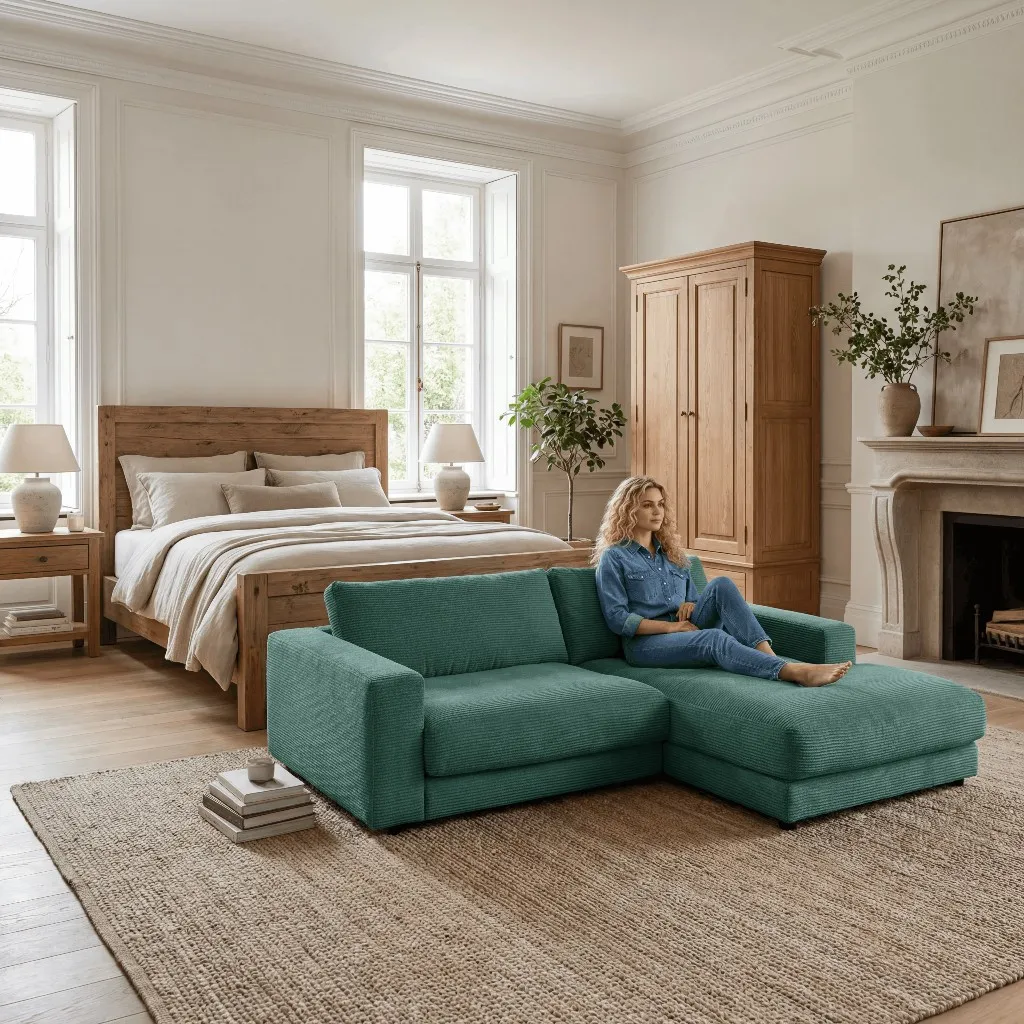
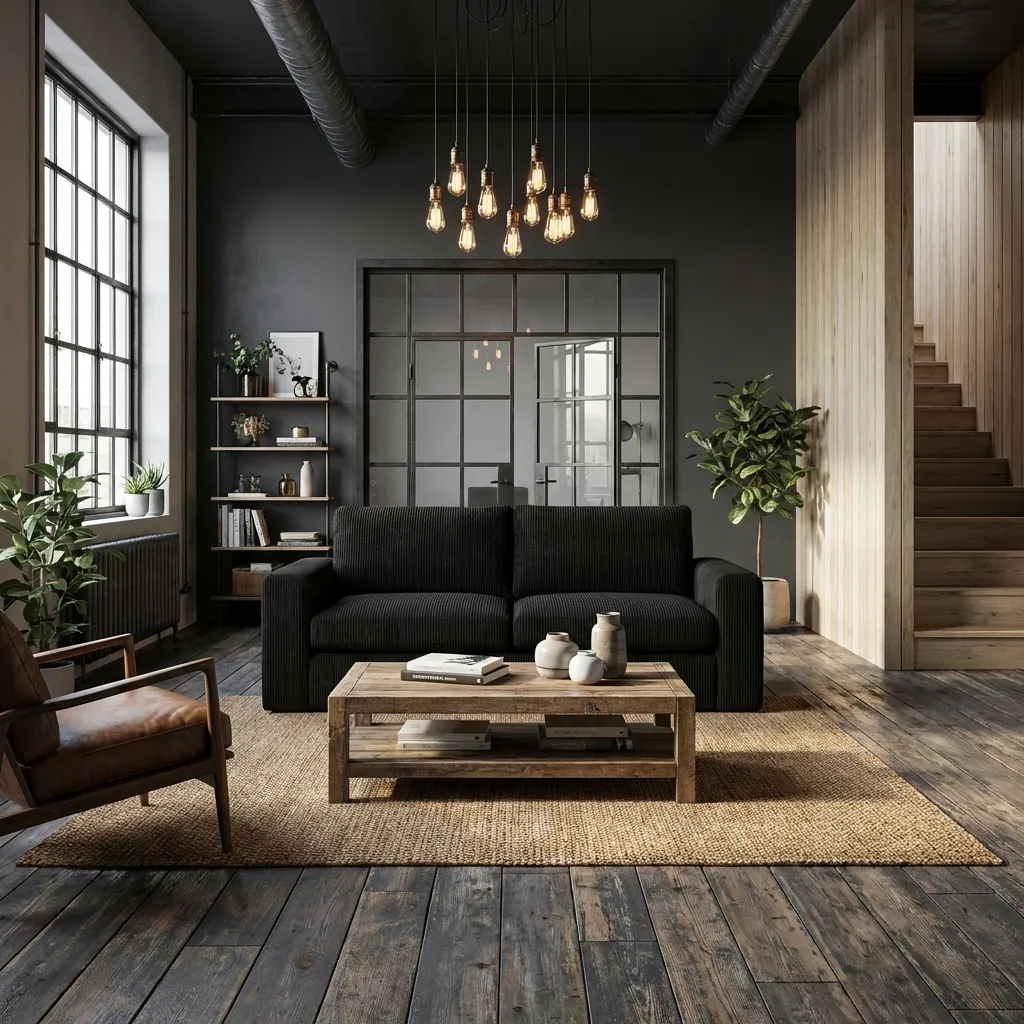
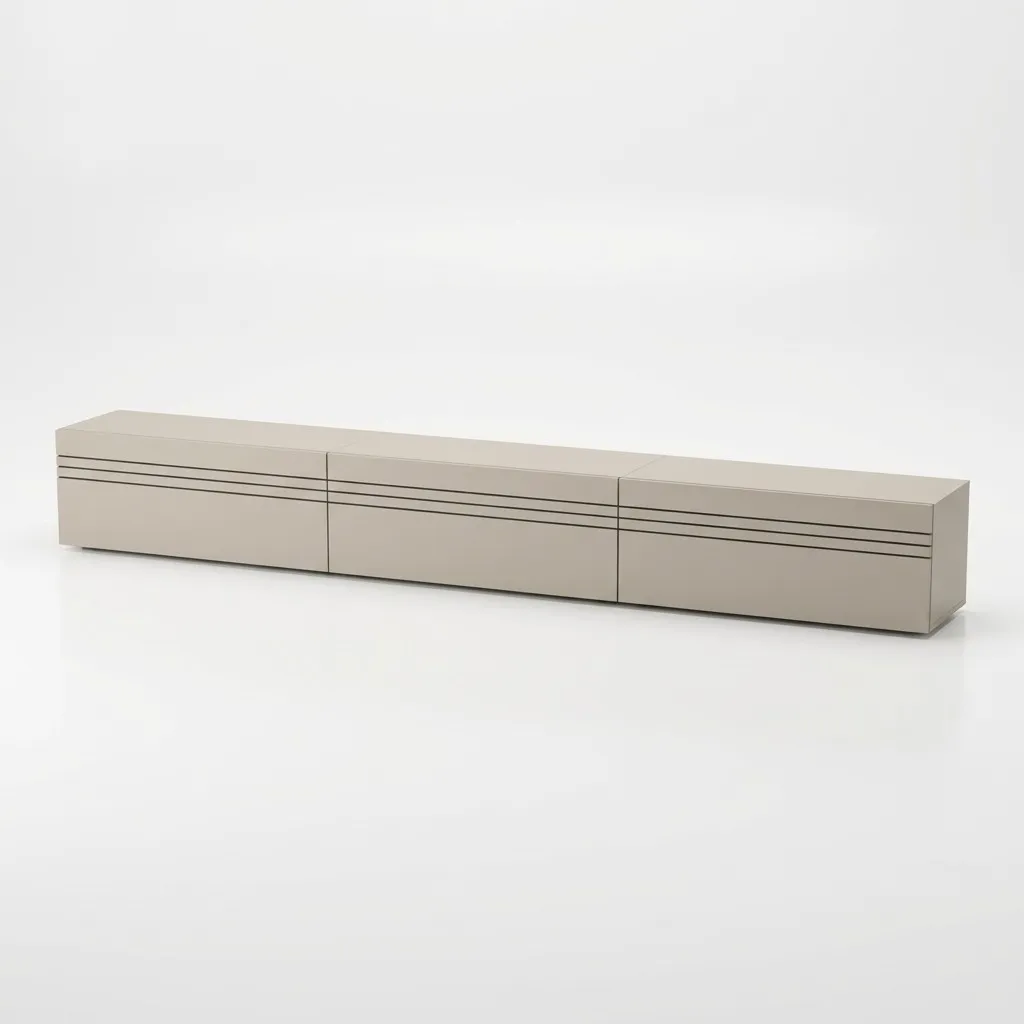
All three paths produce product images. The difference is in effort, time, and cost - and whether you need a 3D model or a physical set.
One photo becomes a full image set - with no 3D modeling and no shoot.
Upload a single product photo or cutout. Optionally use CAD or dimensional drawings for early concepts.
The AI generates photorealistic room scenes, backgrounds, color and material variants - with correct scale and lighting.
Download the images and use them right away for store, marketplace, and marketing - with full commercial usage rights.
AI instead of CGI
You need no render farm and no 3D team. To understand the difference between AI images and classic CGI in detail, read the guide AI vs. CGI for product images.
Bulky furniture is expensive in a studio and complex in 3D rendering. This is exactly where AI visualization shines.
Sofas, armchairs, wardrobes, shelves, rugs, and dining tables are shown with believable scale, fabric, and material in real room scenes.
Color, fabric, and room variants come from the same photo - instead of commissioning a new CGI model or another studio shoot for every option.

Author
Tim Hoffmann
Chief Product Officer, getshowcase.ai
Tim Hoffmann leads the product strategy for the AI image studio at showcase (getshowcase.ai). He brings years of e-commerce experience in product data, marketplace integrations, and visual content creation. His focus: helping Home & Living retailers turn product cutouts into photorealistic lifestyle images and room scenes in minutes - without expensive shoots, with measurably better conversion. Tim shares practical strategies for product images that perform on marketplaces and in your own shop.
Start with an existing product photo and create photorealistic images, room scenes, and variants for your home & living catalog.