Tool focus
showcase- showcase
- AI product photography for home & living
- Flair
- Design editor for branded scenes
Flair is a strong, design-led scene editor for branded visuals. showcase is built specifically for furniture and home-living. We compare both honestly and tell you which tool is the better fit for which job.
Quick verdict
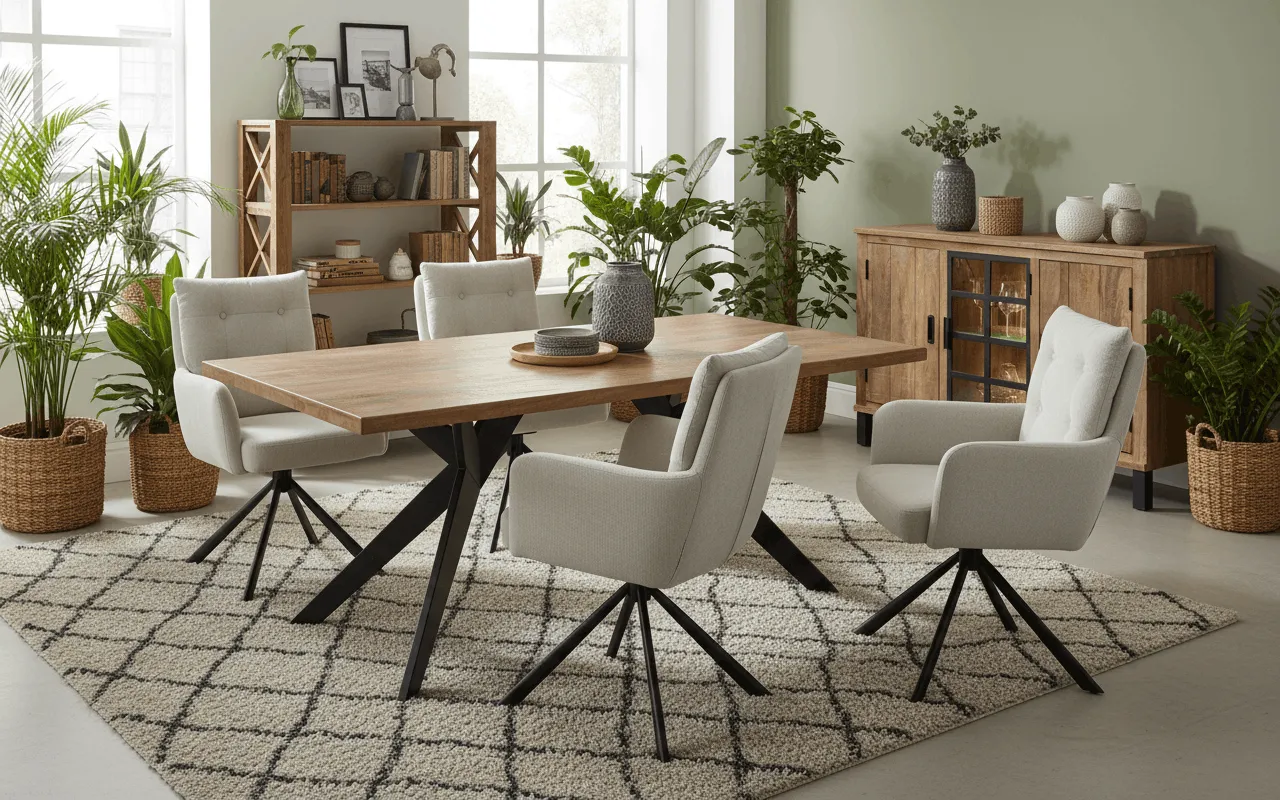
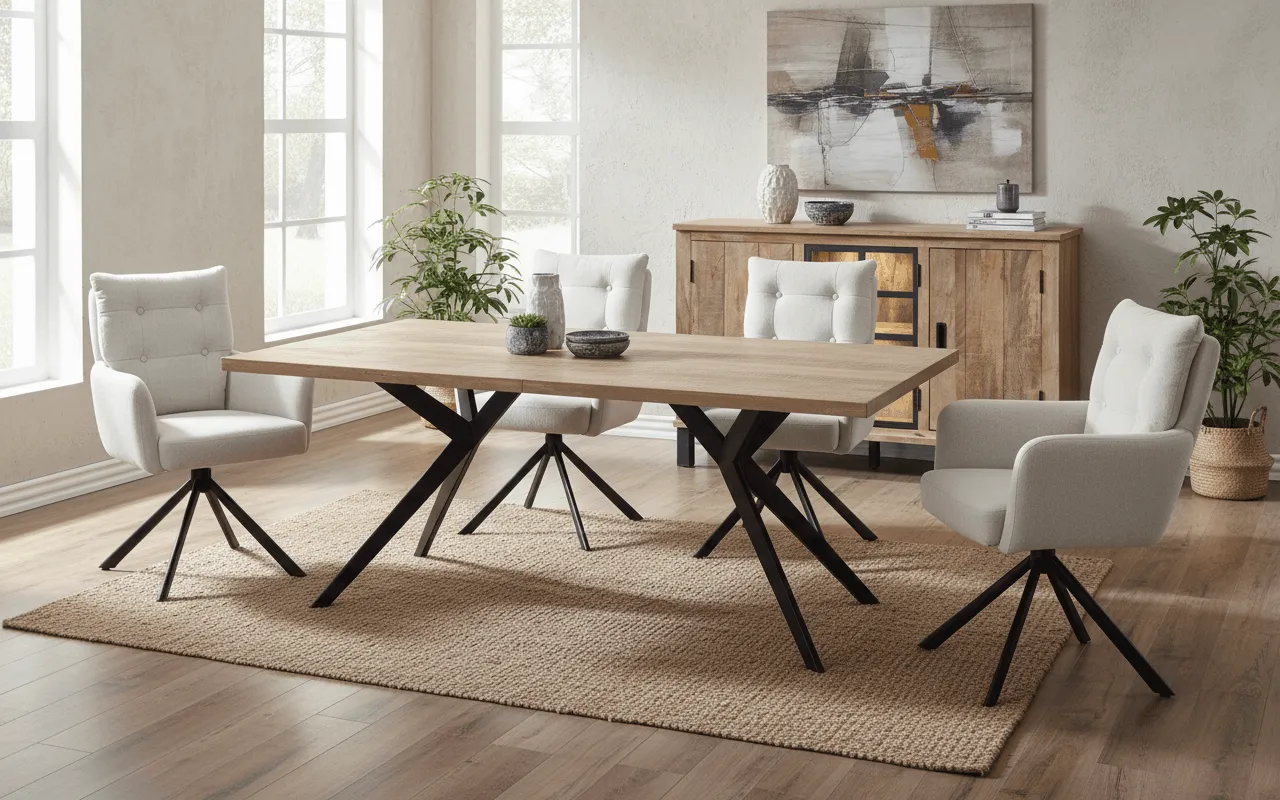
Flair shines wherever you want full creative control over the scene: a canvas with drag-and-drop props, backgrounds and 3D elements, freely chosen camera angles and fine-grained brand styling. The trade-off is more manual design work per image, and the tool is not furniture-specialized. showcase takes the opposite route: from a single product photo it builds photorealistic room scenes with correct scale, perspective and material rendering - plus color and material variants, multi-product staging, product videos and EU AI Act-compliant licensing. If you need to place large furniture reliably into real rooms, showcase gets you there faster. If you want maximum creative freedom on each individual image, Flair delivers it.
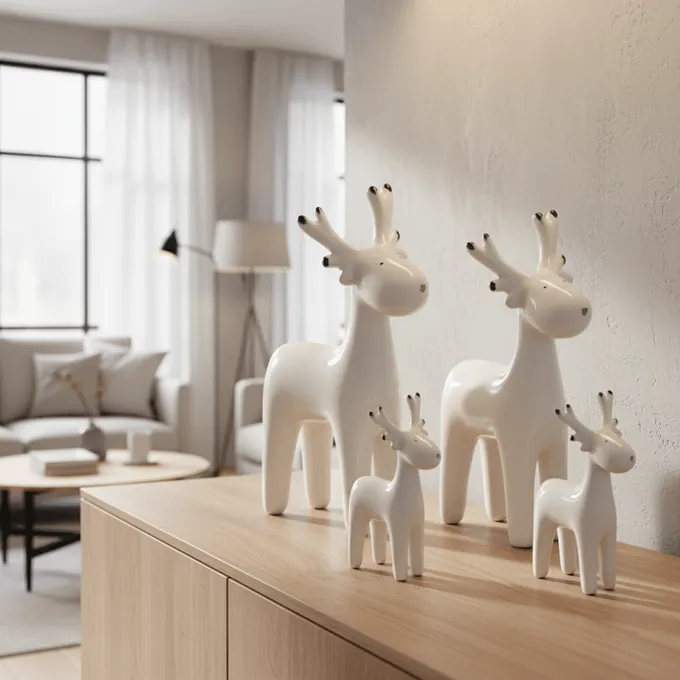
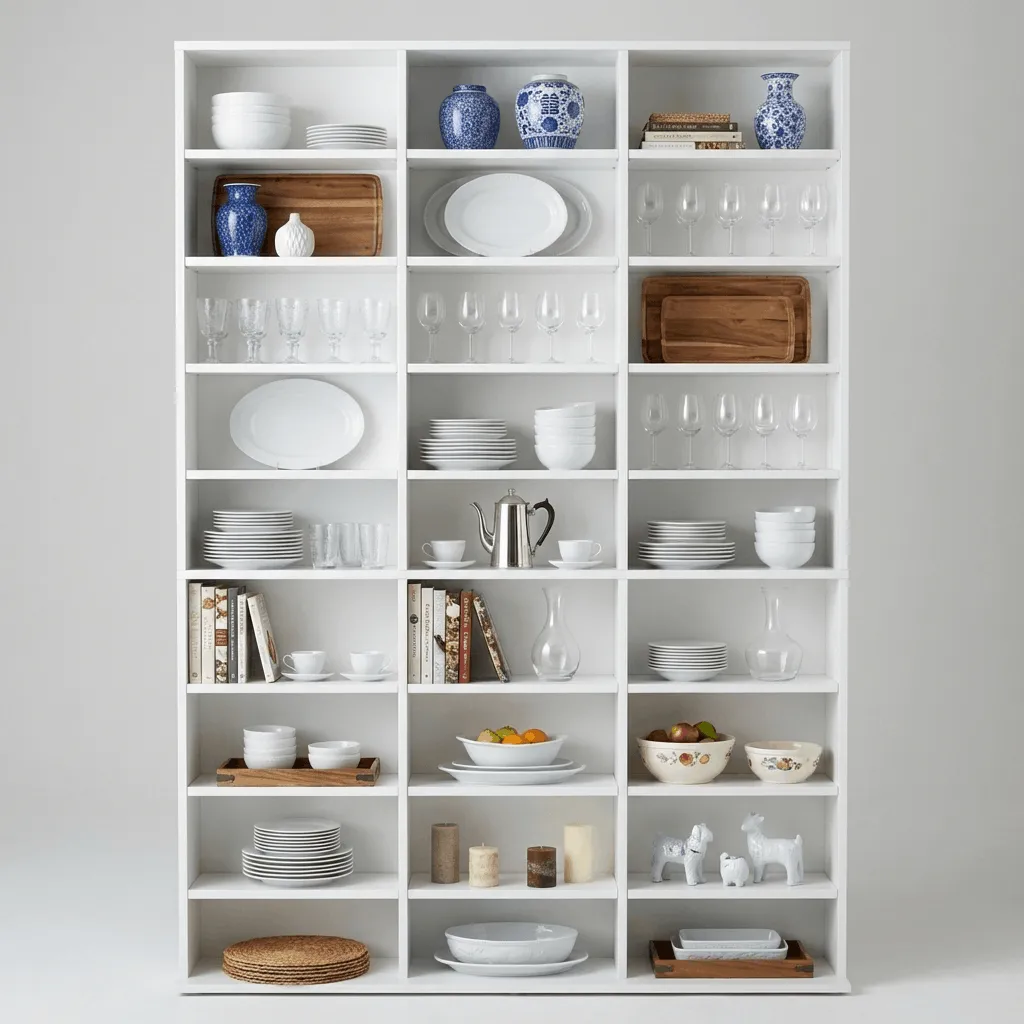
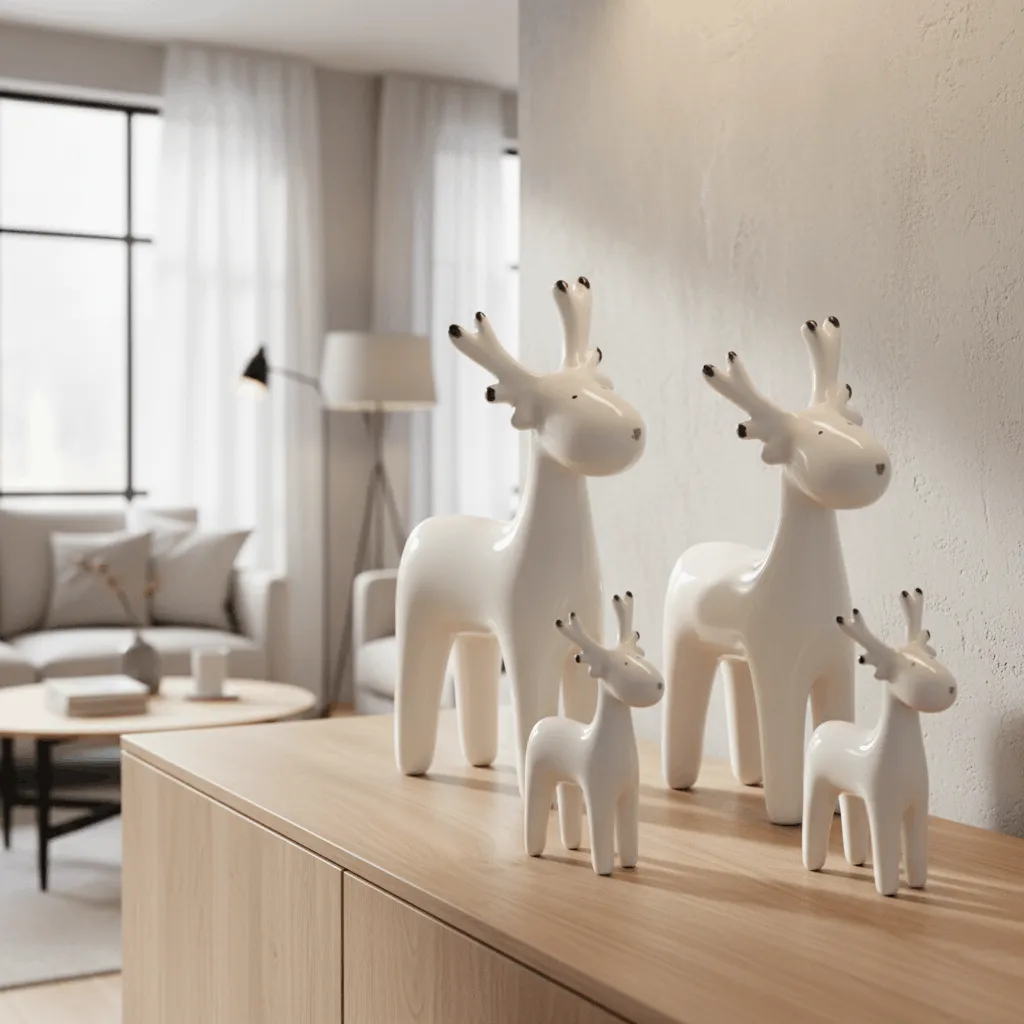
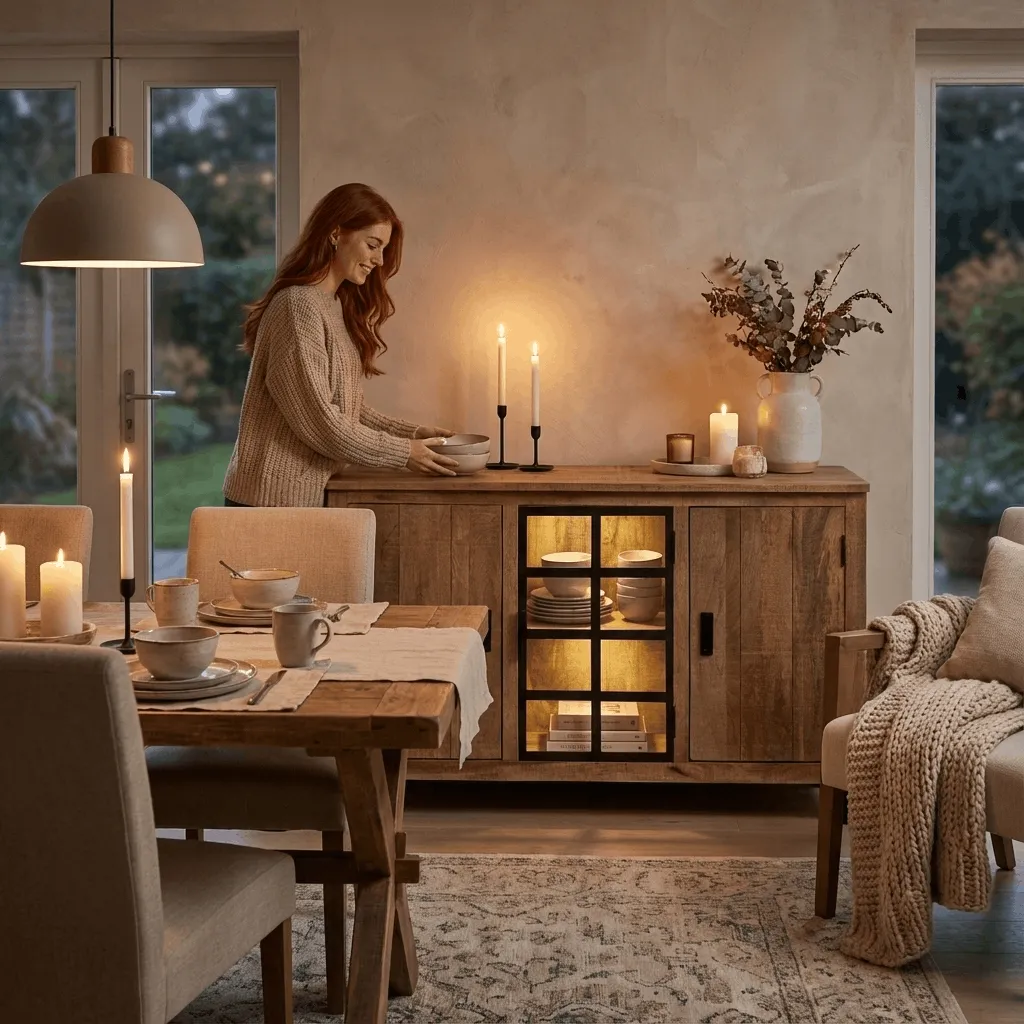
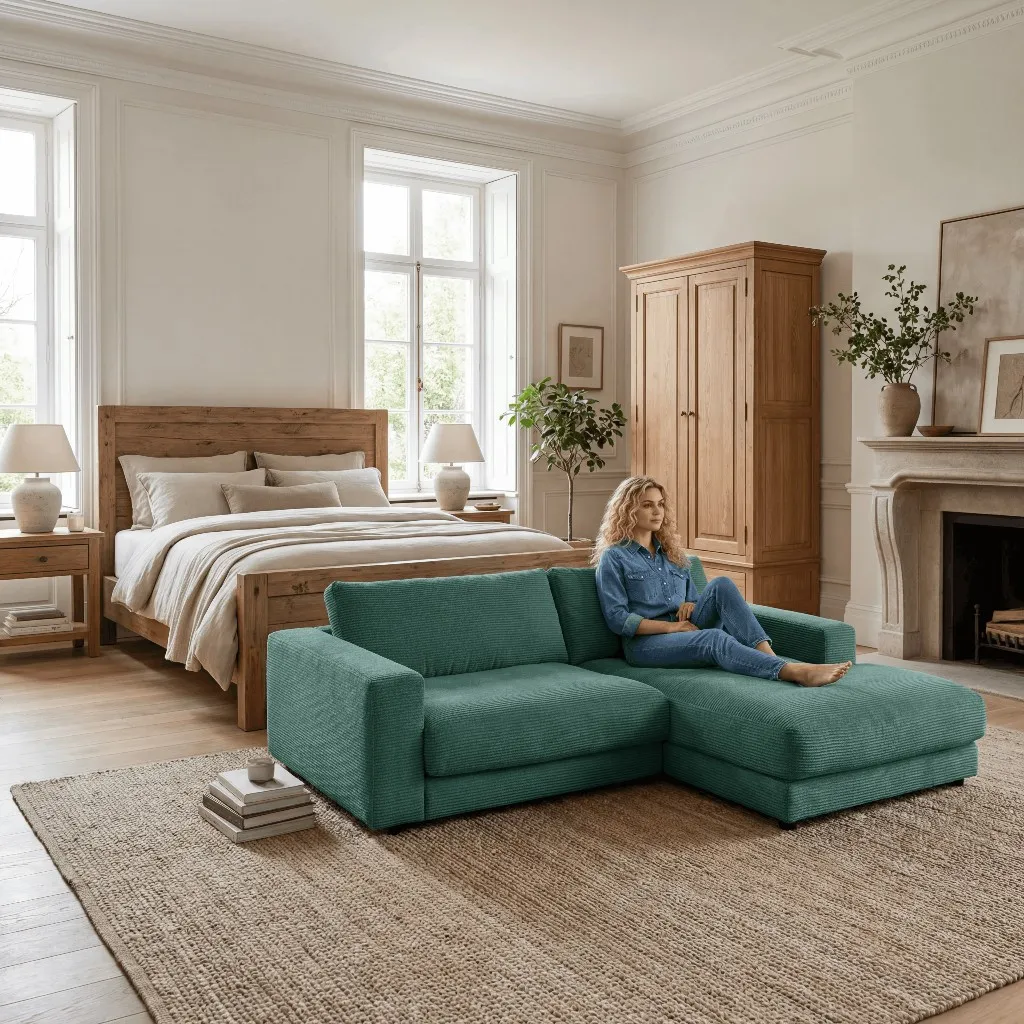
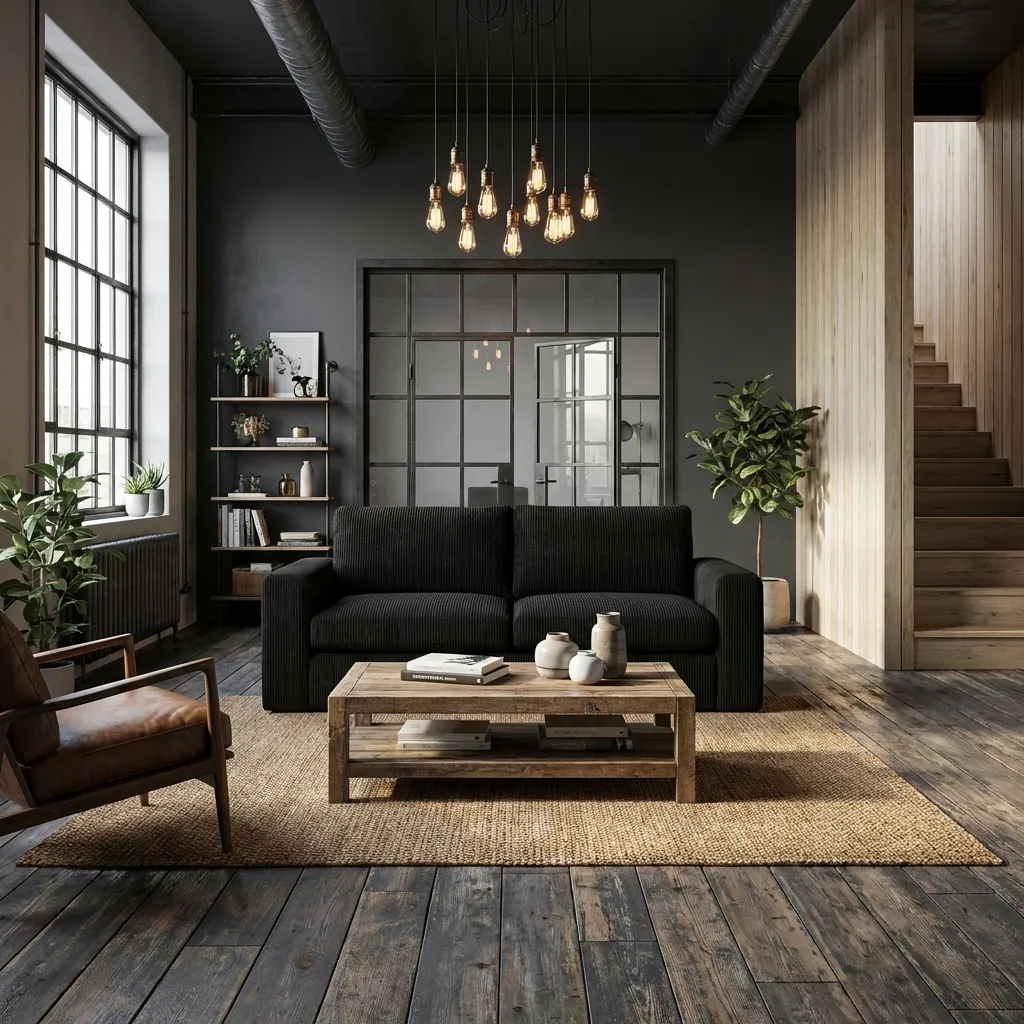
showcase is trained on home-and-living products. A large sofa, a dining table or a shelf lands at the right scale and in correct perspective, instead of floating or looking distorted. This is exactly where generalists stumble, because they only guess at furniture proportions.
Wood grain, fabric weave, metal and leather render realistically even on large furniture. showcase preserves your product's originality from the photo instead of hallucinating new details - decisive when customers scrutinize material and craftsmanship.
From a single product photo you get room scenes, color and material variants, a product video up to 8 seconds, cutouts, 4K upscaling and relighting. With Flair you compose every scene manually on the canvas - with showcase the furniture workflow is guided and built for volume.
showcase provides clear commercial usage rights, licensed models and visible EU AI Act labeling including metadata. Made in Germany. For Flair, such details are not publicly documented - a risk if you need to stay regulatory clean.
Flair is strong when the creative scene matters more than furniture specialization. The drag-and-drop canvas with props, backgrounds and 3D elements gives you full control over composition, camera angle and brand look - ideal for richly designed, on-brand lifestyle imagery across many product categories, such as beauty, accessories or fashion with on-model shots. The low entry price and real-time team collaboration are a plus too. If your range is broadly mixed, you enjoy working hands-on per image and you value creative freedom over automated furniture accuracy, Flair is a very good option. But the moment it comes to large furniture in real rooms, true-to-scale scenes and legally safe scaling across many SKUs, showcase plays its specialization.
Both tools are good - just for different jobs. Choose Flair if you need a flexible design editor, want to compose every scene yourself and work across categories. Choose showcase if you sell in furniture and home-living and need reliably photorealistic room scenes with correct scale, material and color variants, product videos and legally safe EU AI Act labeling - from a single product photo. For context: a traditional photo studio costs around 300 EUR per product for 5 to 10 images. showcase starts at roughly 50 EUR per month, including free trial credits. The honest way to decide is to run your hardest piece of furniture through both tools and put the results side by side.

Author
Tim Hoffmann
Chief Product Officer, getshowcase.ai
Tim Hoffmann leads the product strategy for the AI image studio at showcase (getshowcase.ai). He brings years of e-commerce experience in product data, marketplace integrations, and visual content creation. His focus: helping Home & Living retailers turn product cutouts into photorealistic lifestyle images and room scenes in minutes - without expensive shoots, with measurably better conversion. Tim shares practical strategies for product images that perform on marketplaces and in your own shop.
Start with your existing cutouts and test room scenes, variants and workflows for your own home-and-living catalog.