
Tool focus
showcase- showcase
- Furniture & home-living
- Pixelcut
- Mobile-first ecommerce generalist
Pixelcut is a fast, mobile-first AI photo editor with strong cutouts and AI backgrounds across many ecommerce categories. showcase is built specifically for furniture and home-living: photorealistic room scenes with correct scale, real materials and multi-product staging. This comparison shows honestly which tool fits which case.
Quick verdict
If you want fast, mobile background removal, affordable AI backgrounds across many categories, or a free tier to try things out, Pixelcut is a strong fit. If you sell furniture and interiors and need convincing room scenes with correct perspective, real materials and several products in one shot, showcase serves you better - including product video, color and material variants, and clear legal certainty under the EU AI Act.
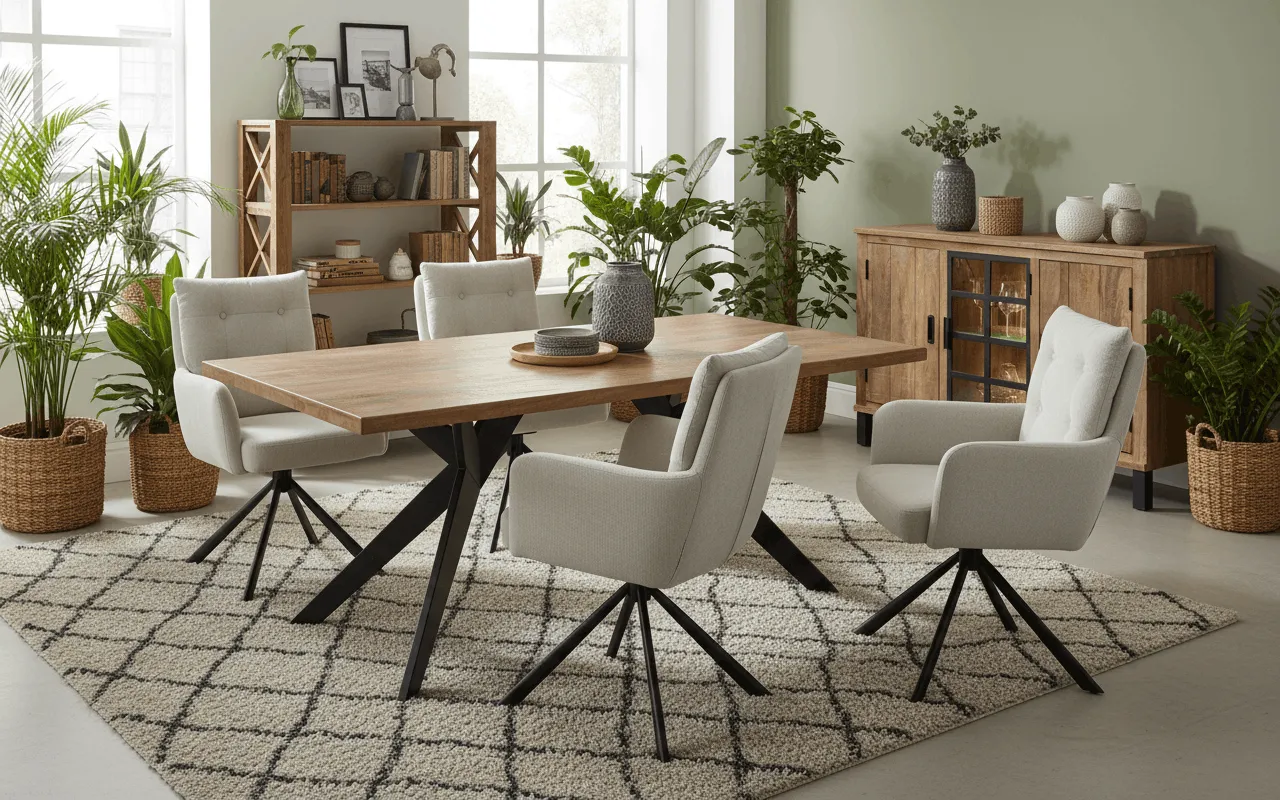
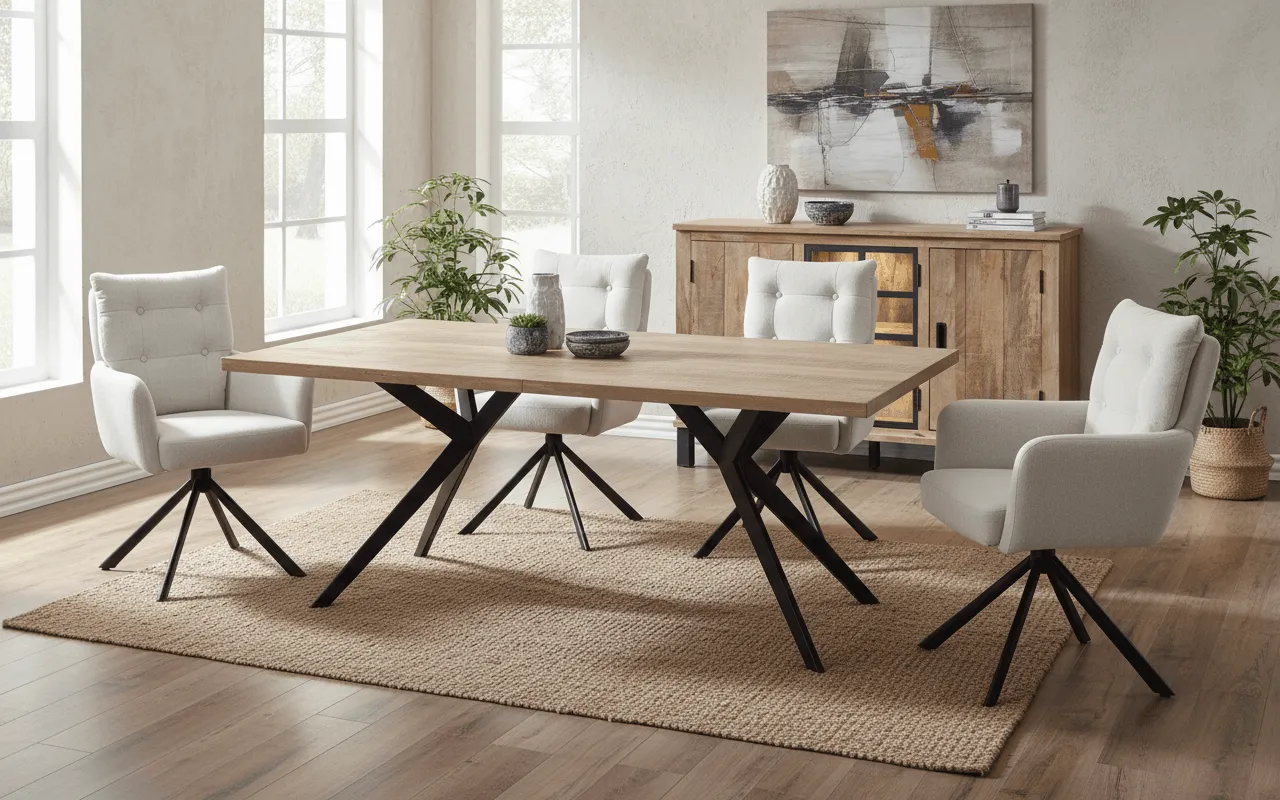
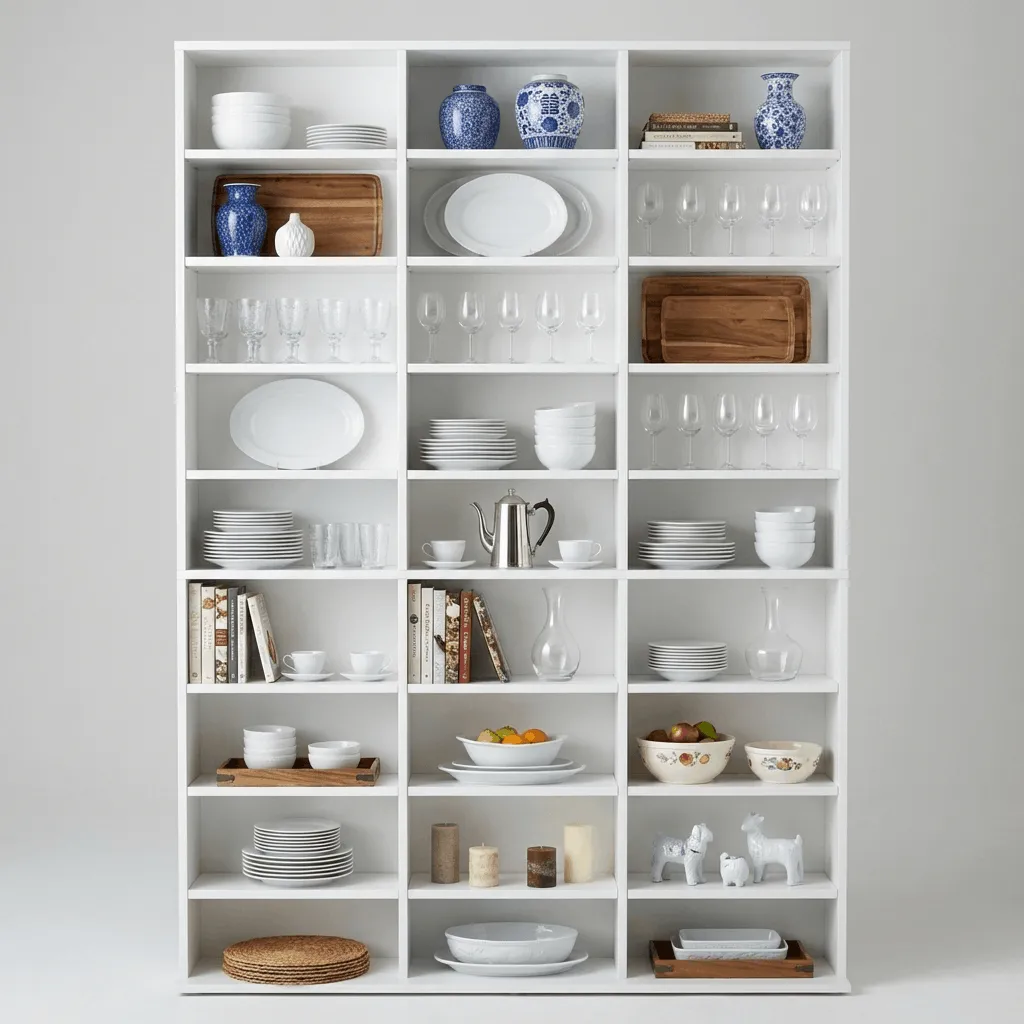
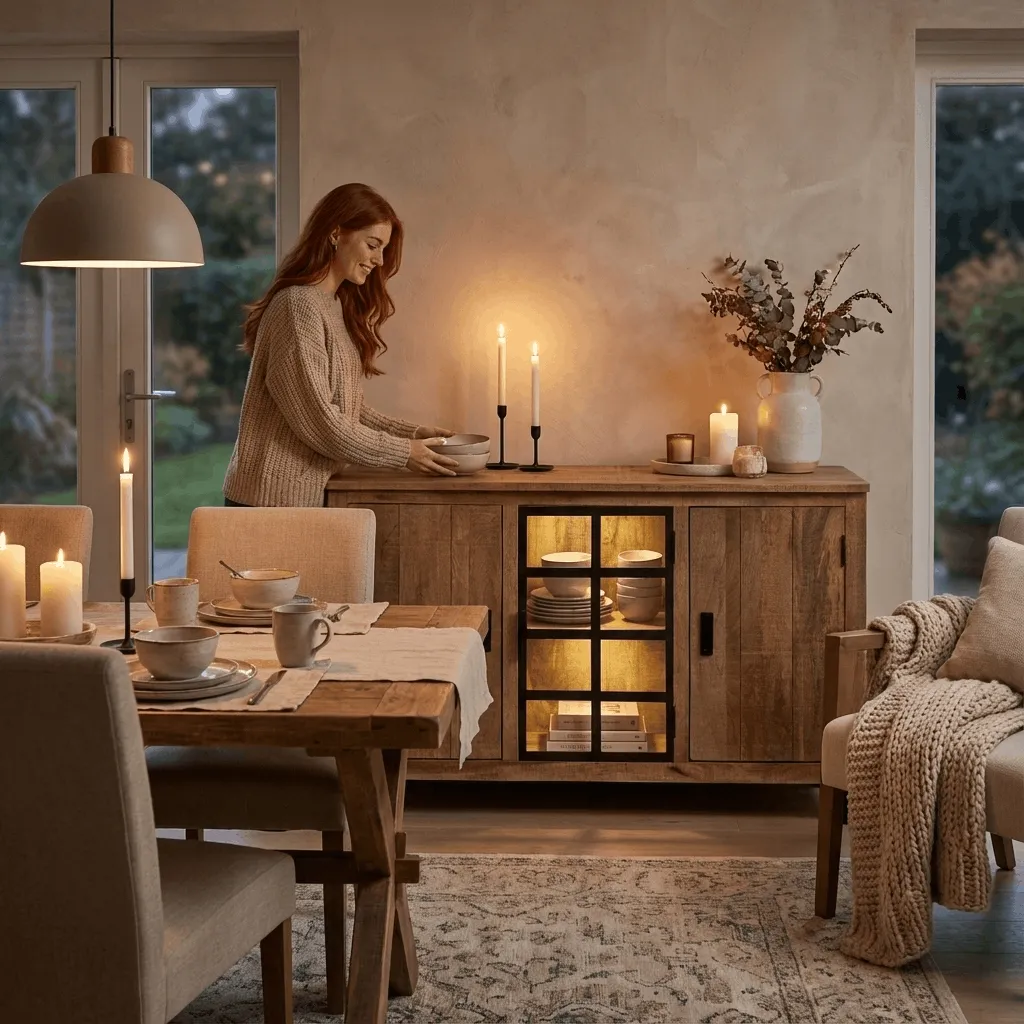
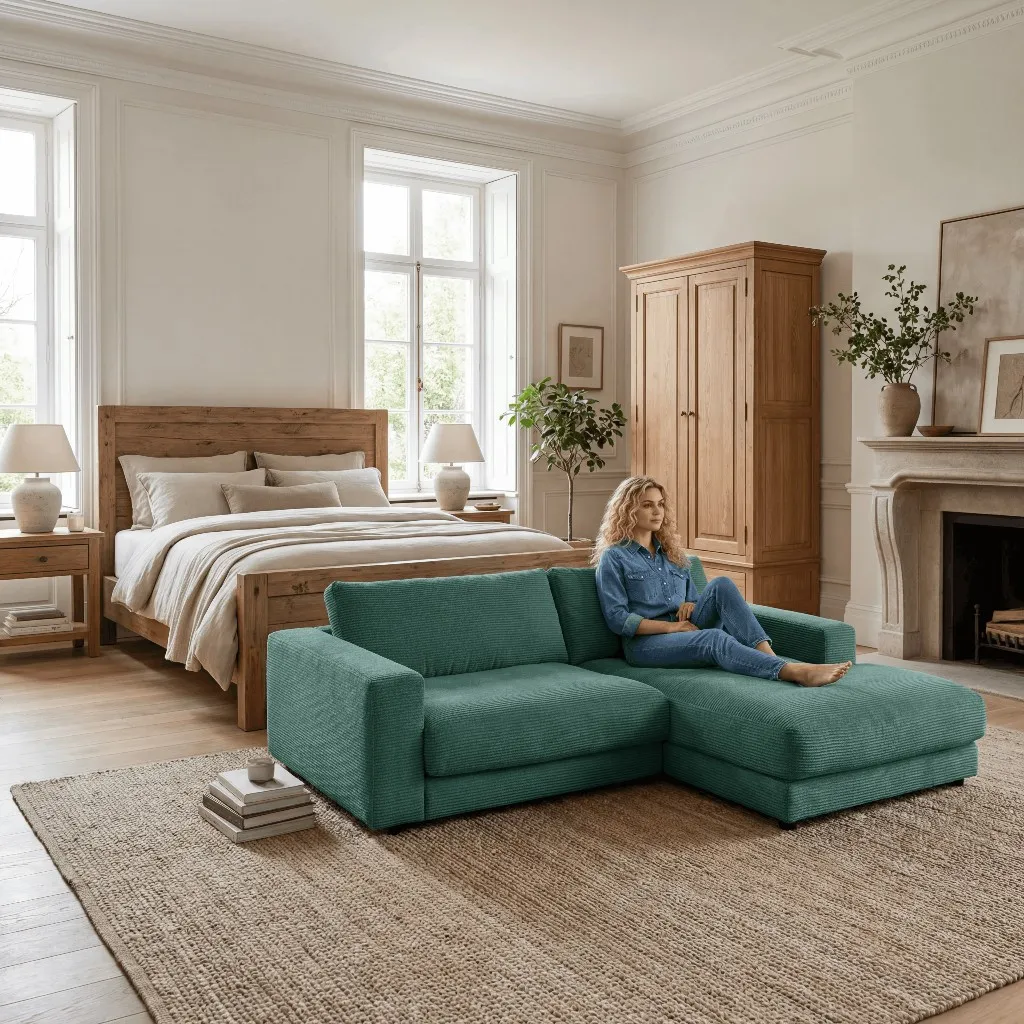
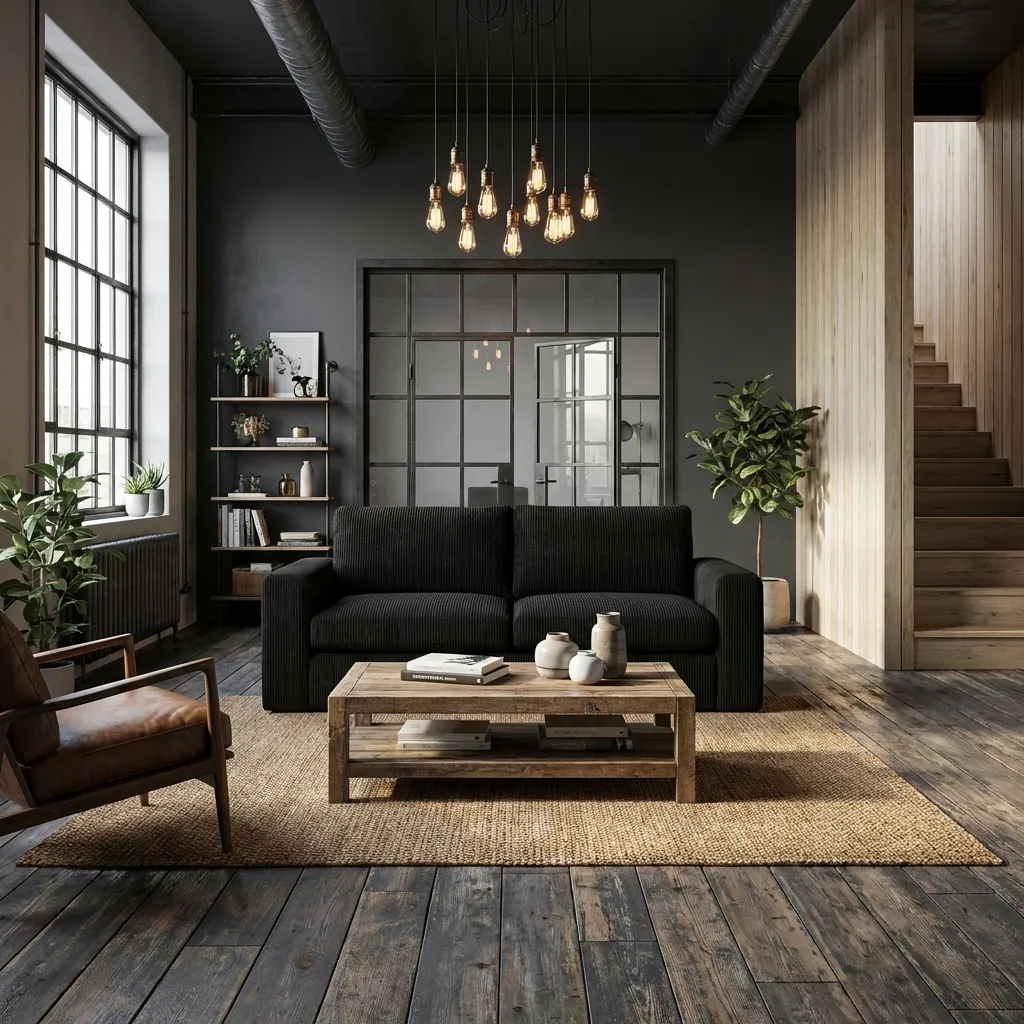
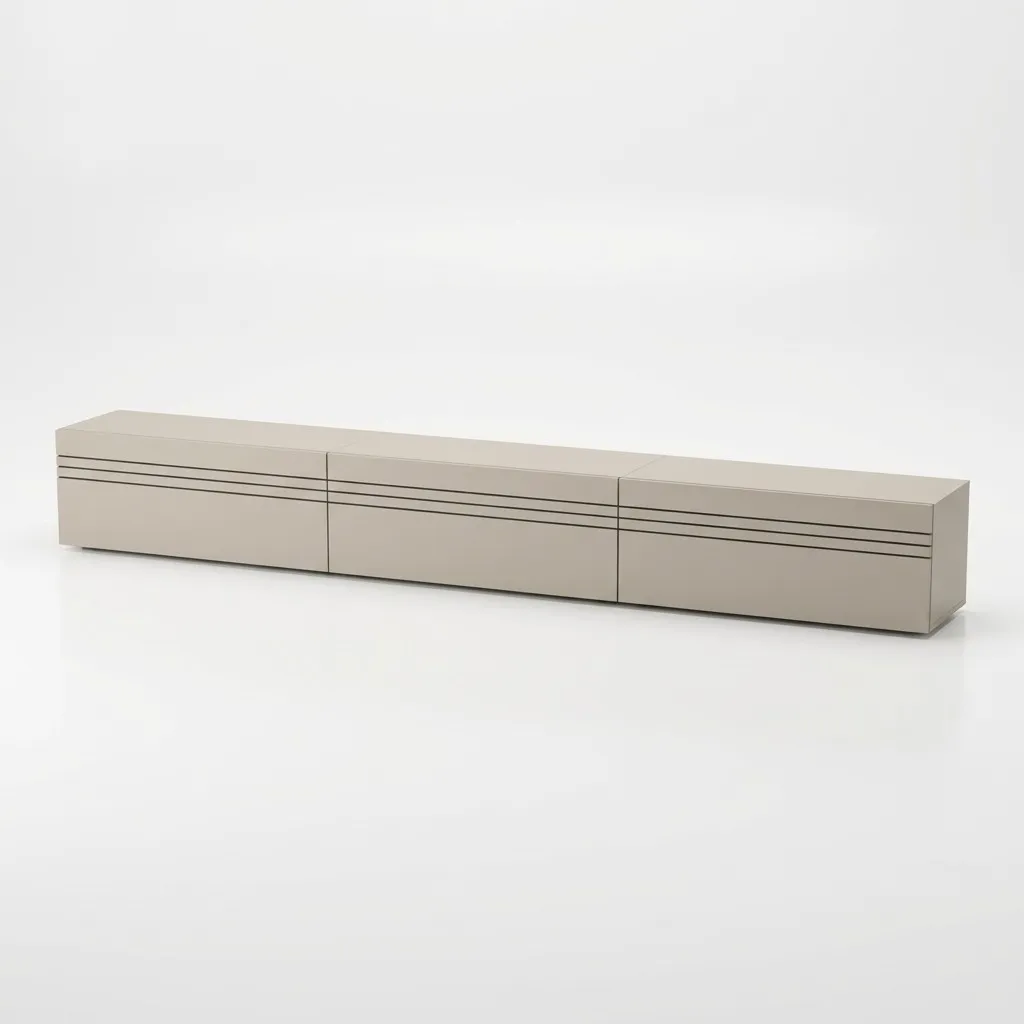
showcase is trained on furniture and interiors. A large sofa, a dining table or a shelving unit is placed into the scene with correct perspective, scale and a realistic sense of materials. Pixelcut produces fast AI backgrounds across many categories, but it is not specialized in the tricky business of large furniture inside a room.
For furniture sets, cross-selling and complete room looks, showcase combines multiple products in a single scene - with consistent lighting and scale. Mobile-first generalists lean more toward the single product on a fresh background.
From a single product photo, showcase generates color and material variants plus short product videos up to 8 seconds in 1080p. Add background removal, 4K upscaling and relighting - without switching between several tools.
showcase provides clear commercial usage rights, licensed models and EU AI Act labeling - made in Germany. It is usable for marketplaces, ads and your shop without fine print. Pixelcut does not prominently document these legal points.
Pixelcut plays to its strengths when speed and mobility matter: remove and replace backgrounds on the go from your phone, AI backgrounds across many product categories, batch editing, magic eraser and upscaling - with a free tier to try it out and low-cost plans. For solo sellers and small teams that need many simple product images fast and on mobile, and do not need furniture-specific room scenes, Pixelcut is well positioned. But the moment large furniture in real room scenes, correct materials and proportions, and multi-product staging matter, a generalist hits its limits - and that is exactly where showcase comes in.
The choice depends on your assortment and workflow. If you sell furniture, lighting or interiors and want a sofa, table or cabinet to sit believably in the room - with correct scale, real materials, multiple products per scene, variants and video - showcase is the natural pick. If instead you need a fast, mobile editor for cutouts and simple AI backgrounds across many categories at a low price, Pixelcut may fit better. Many furniture teams start with showcase for high-converting room imagery and use the free trial credits to check the quality on their own products.

Author
Tim Hoffmann
Chief Product Officer, getshowcase.ai
Tim Hoffmann leads the product strategy for the AI image studio at showcase (getshowcase.ai). He brings years of e-commerce experience in product data, marketplace integrations, and visual content creation. His focus: helping Home & Living retailers turn product cutouts into photorealistic lifestyle images and room scenes in minutes - without expensive shoots, with measurably better conversion. Tim shares practical strategies for product images that perform on marketplaces and in your own shop.
Start with your existing cutouts and test room scenes, variants and workflows for your own home-and-living catalog.