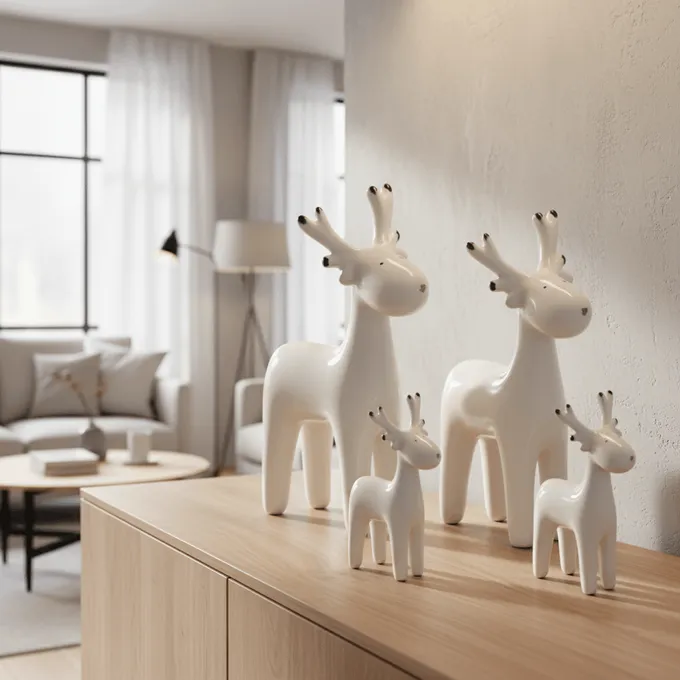
Your furniture. Presented by an AI avatar.
Show how daylight catches the weave of your sofa or bring out the fluted detail on a sideboard. Turn your product photo and script into a vertical video for your shop, Reels and social ads.
First set free · No credit card needed
One face for your collection.
In the lifestyle photo, Malin settles into the armchair with a book. In the Reel, she introduces its olive upholstery and pale wood frame. The same avatar ties your product page to your social campaign.

UGC-style video ads for furniture and home décor
Watch Clara show the sofa’s woven fabric or Kenji trace the fluting on the sideboard. Each clip is paired with the product photo it started from.
-
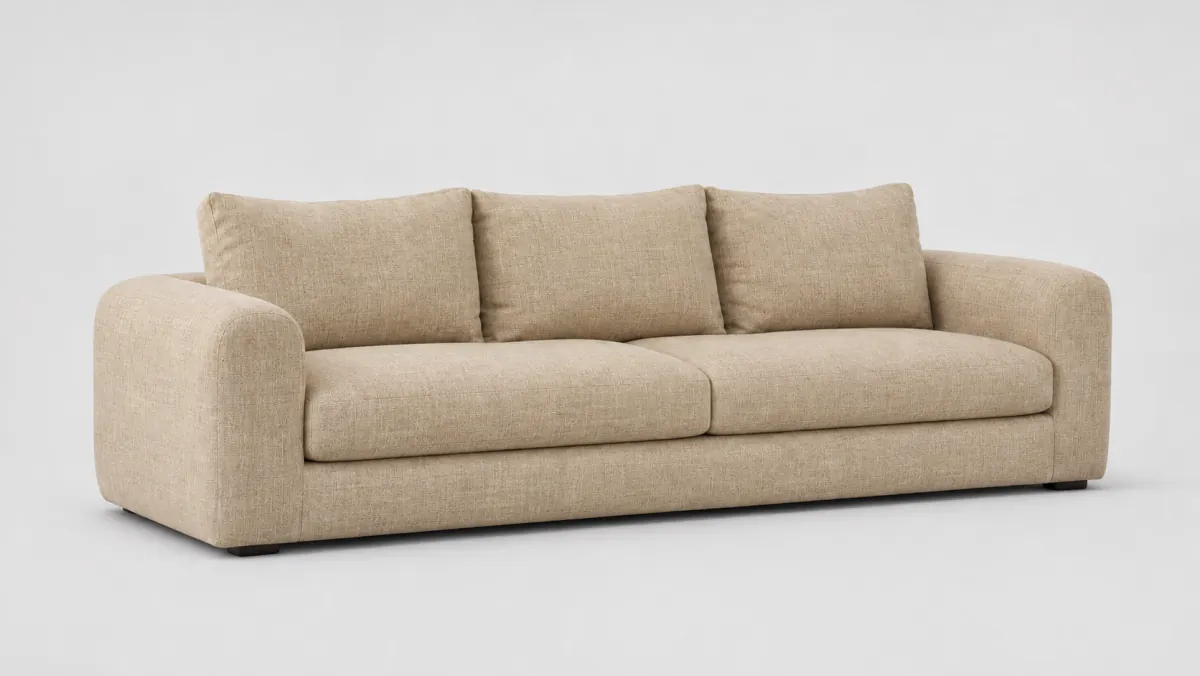
Oatmeal sofa Clara
-
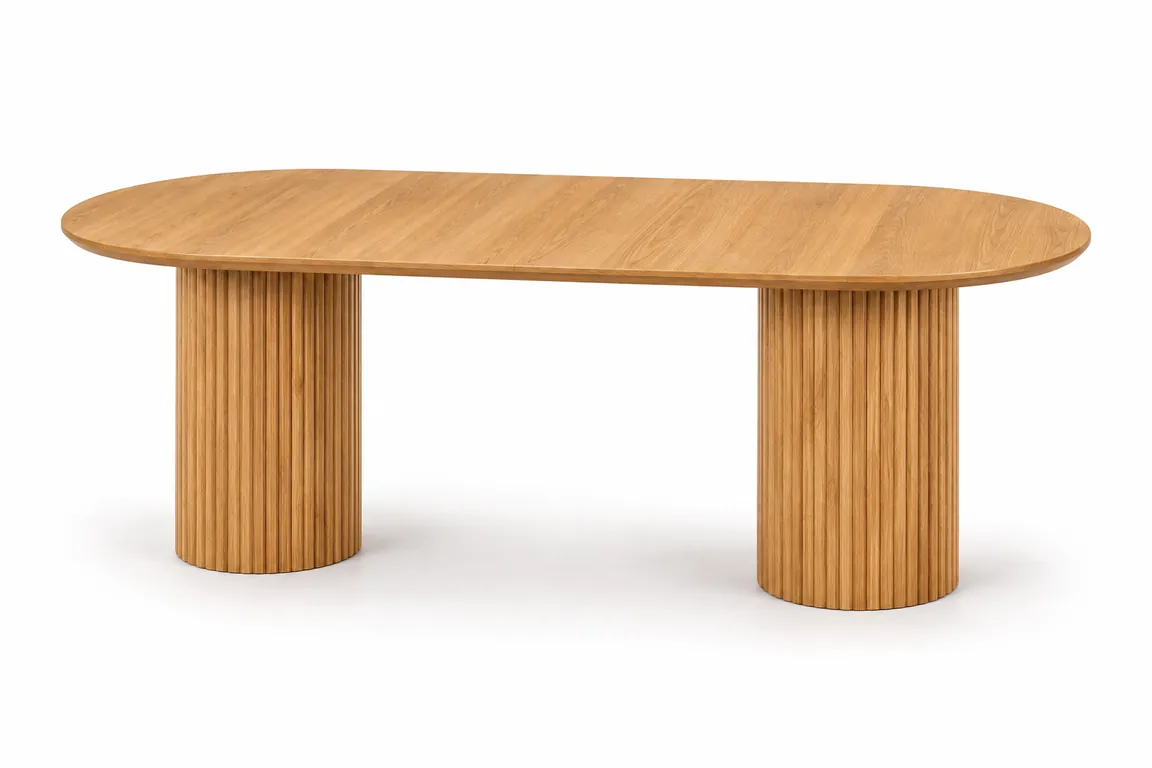
Oval dining table Malik
-
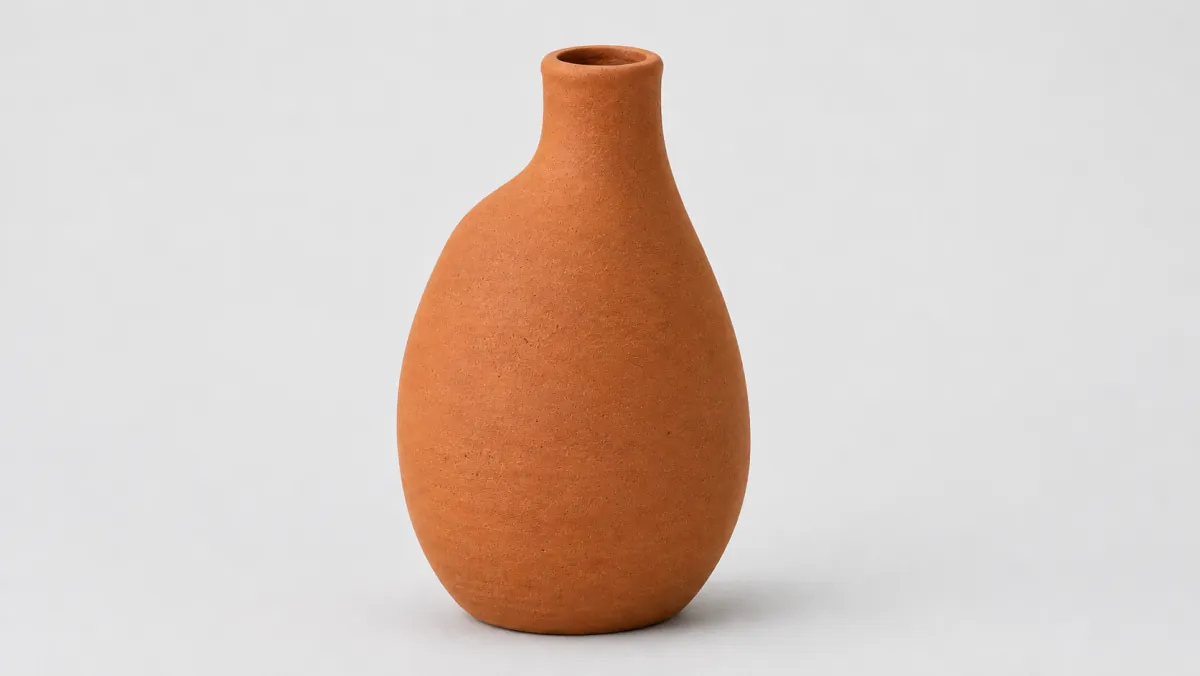
Rounded ceramic vase Nadine
-
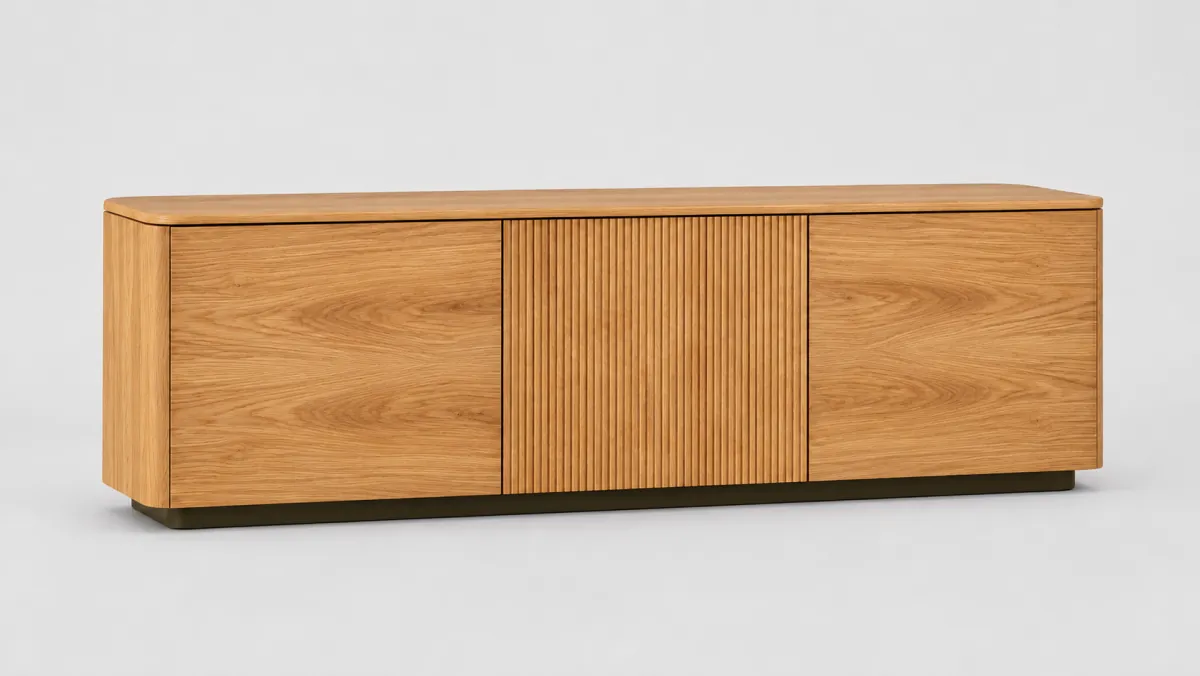
Fluted oak sideboard Kenji
From product photo to finished clip.
- 01
Upload a product photo
A cutout or a lifestyle image is enough.
- 02
Choose an avatar
From 33 avatars or with your own portrait.
- 03
Edit the script, create the clip
You decide what the person says about your product.




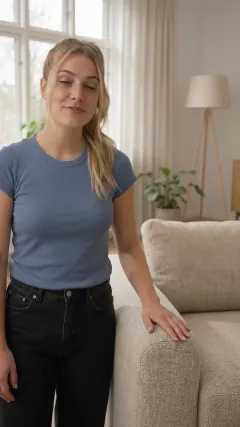
Automatic captions for your clips.
Showcase transcribes your avatar’s German or English audio. You can correct product names and adjust the font size before you export. The captions are burned into the finished MP4.
33 avatars. Or your own.
Different types, ages and styles. Or upload your own portrait, for example of someone on your team.
-
 Amara
-
 Andreas
-
 Anika
-
 Aylin
-
 Beate
-
 Camila
-
 Clara
-
 David
-
 Elias
-
 Felix
-
 Franziska
-
 Jonas
-
 Jule
-
 Jun
-
 Karim
-
 Kathrin
-
 Kenji
-
 Kiran
-
 Lena
-
 Leyla
-
 Malik
-
 Malin
-
 Marlene
-
 Matthias
-
 Mina
-
 Moritz
-
 Nadine
-
 Nora
-
 Oskar
-
 Rafael
-
 Sami
-
 Susanne
-
 Svea
- Your avatar
Frequently asked questions
How do I make a product video with an AI avatar?
One product photo is enough, for example a cutout or a lifestyle image. Then choose an avatar, edit the script and create the clip.
Can I use the clips commercially?
Yes. Images and videos created with showcase are commercially usable, full usage rights included. See our legal safety page for details. →
Can I use my own avatar?
Yes. Besides the 33 ready-made avatars you can upload your own portrait. Only use photos of people who have agreed to it.
Can I decide what the avatar says?
Yes. You can edit the script before creating the clip.
Do I have to label AI clips?
Realistic AI people should be labeled as AI-generated. Our AI labeling page explains what applies and how to do it. →
How much does an influencer clip cost?
Your first set is free, no credit card needed. After that you use credits from your plan; see our pricing page for details. →
Your first clip in a few minutes.
Upload a product photo and have it presented by an AI avatar.
First set free · No credit card needed